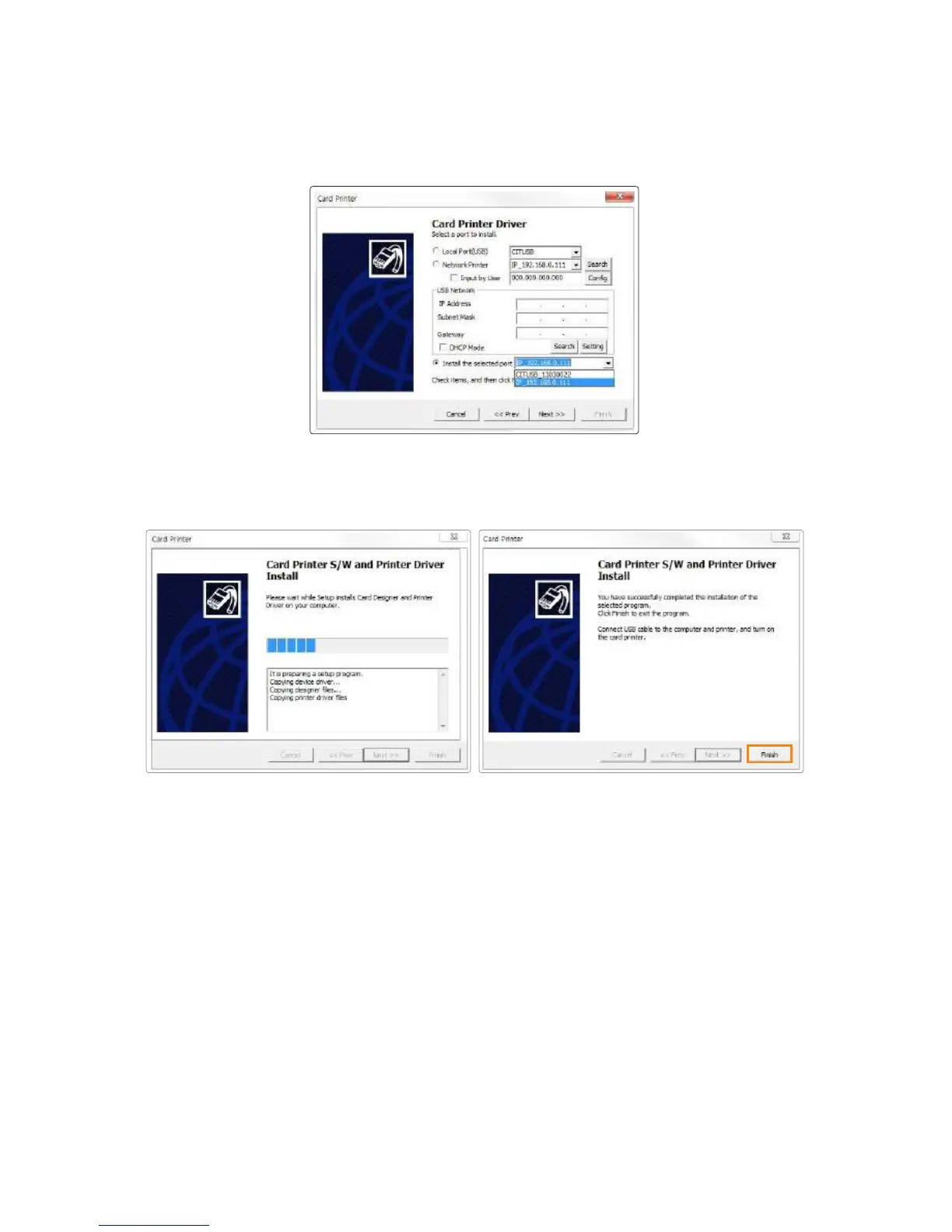
6. Click “Finish” to complete the installation process.
5. Select “Install the Selected port” and it displays the printers that can be
connected to a PC. Printers on other networks are not included in the list.
Click “Next” to proceed.
Go to "Devices and Printers" and make sure "Card Printer" has been
installed.
7. Make sure that the selected items are installed.
48
Install printer and ready



 To Next Page