80
Install printer and ready
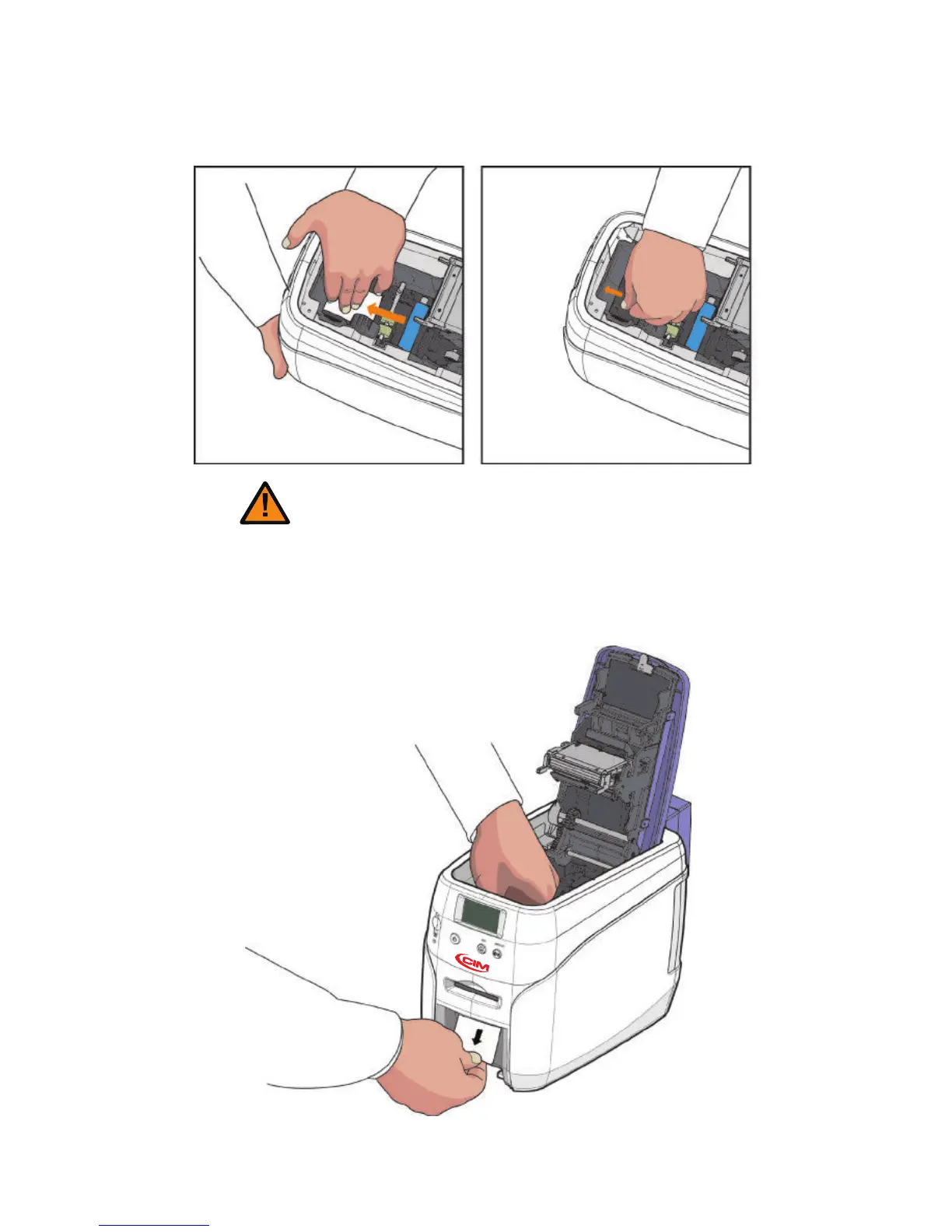
3. Push the card to the front of the printer and then press the card to down.
Tilt the card 70~90 degree down in order to eject the card easily.
4. Pull out the card inside manually as shown in the below pictures.
When the flipper is rotating, a card can be moved back and forth. Hold
a card tightly in order to prevent any movement of a card.
Caution



 To Next Page