GE+ ACDC Installation and operation manual v11
112 / 121
o Save test. There is the possibility to save the created sequence. By pressing this
button, the user will save the existent sequence in the B window in a CSV file in
the desired location and name.
o Delete row. If the user requires to delete a row, click to it and press this button.
It will disappear from the sequence.
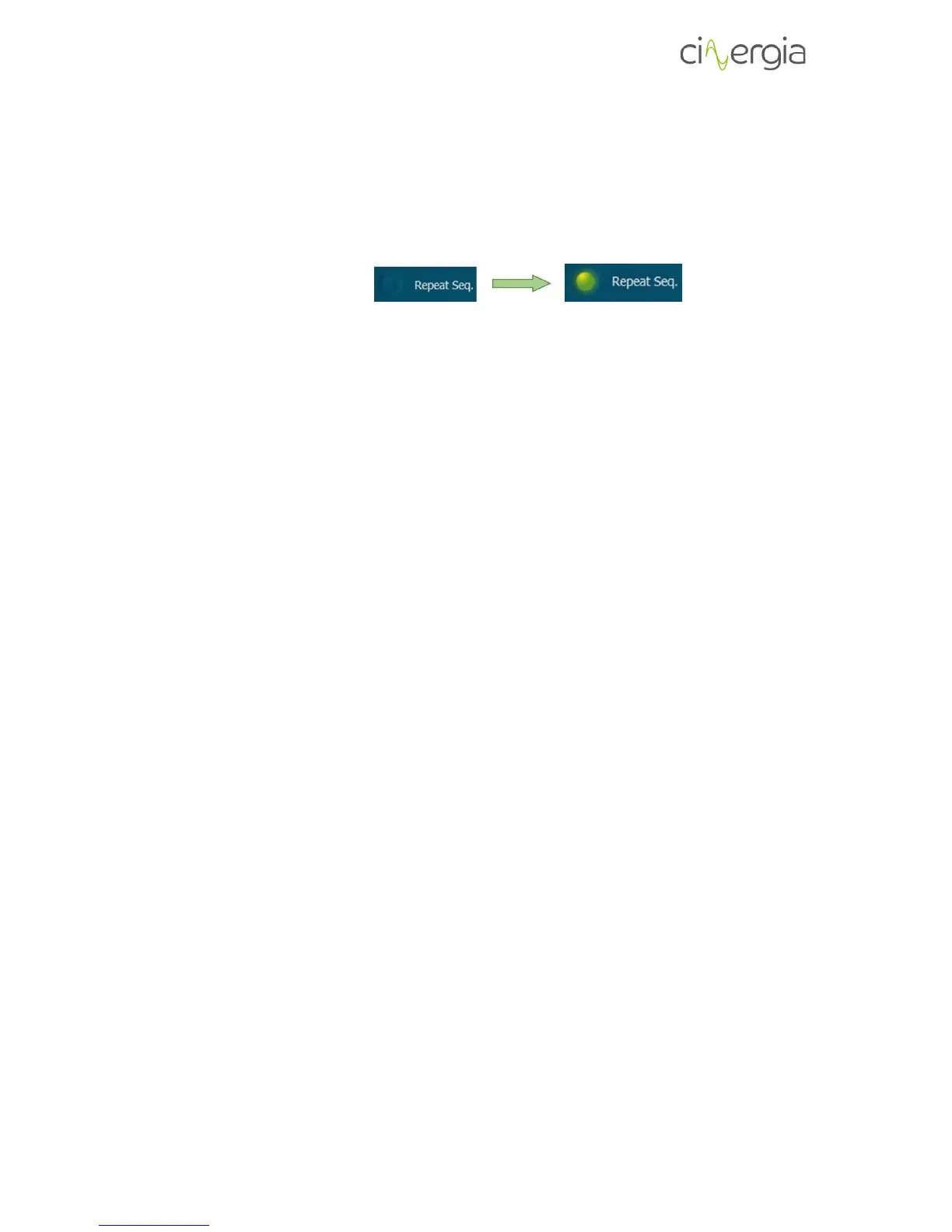
o Repeat test. The sequence can be repeated by pressing the LED showed in the
following figure:
When the LED is illuminated the sequence will start again when it arrives at the
last row.
o Time to next step. This indicator will show how many seconds the actual row will
last and start the next one.



 To Next Page