GE+ ACDC Installation and operation manual v11
95 / 121
- Modbus TCP. Uses Modbus protocol and the port 502. Connect a RJ45 ethernet
cable to the terminal X15.
- TCP Socket. Uses an internal Cinergia protocol and the port 8989. Connect a
RJ45 ethernet cable to the terminal X15.
- Modbus Serial Port. Uses RS485 or RS232 protocol. Connect a DB9 cable to the
terminal X11.
Both Modbus TCP and TCP Socket can be connected via router or direct to the
computer. Modbus Serial Port must be connected directly to the computer. For
more information please read the document Connecting CINERGIA units to a PC.
Once the configuration is selected, press Connect.
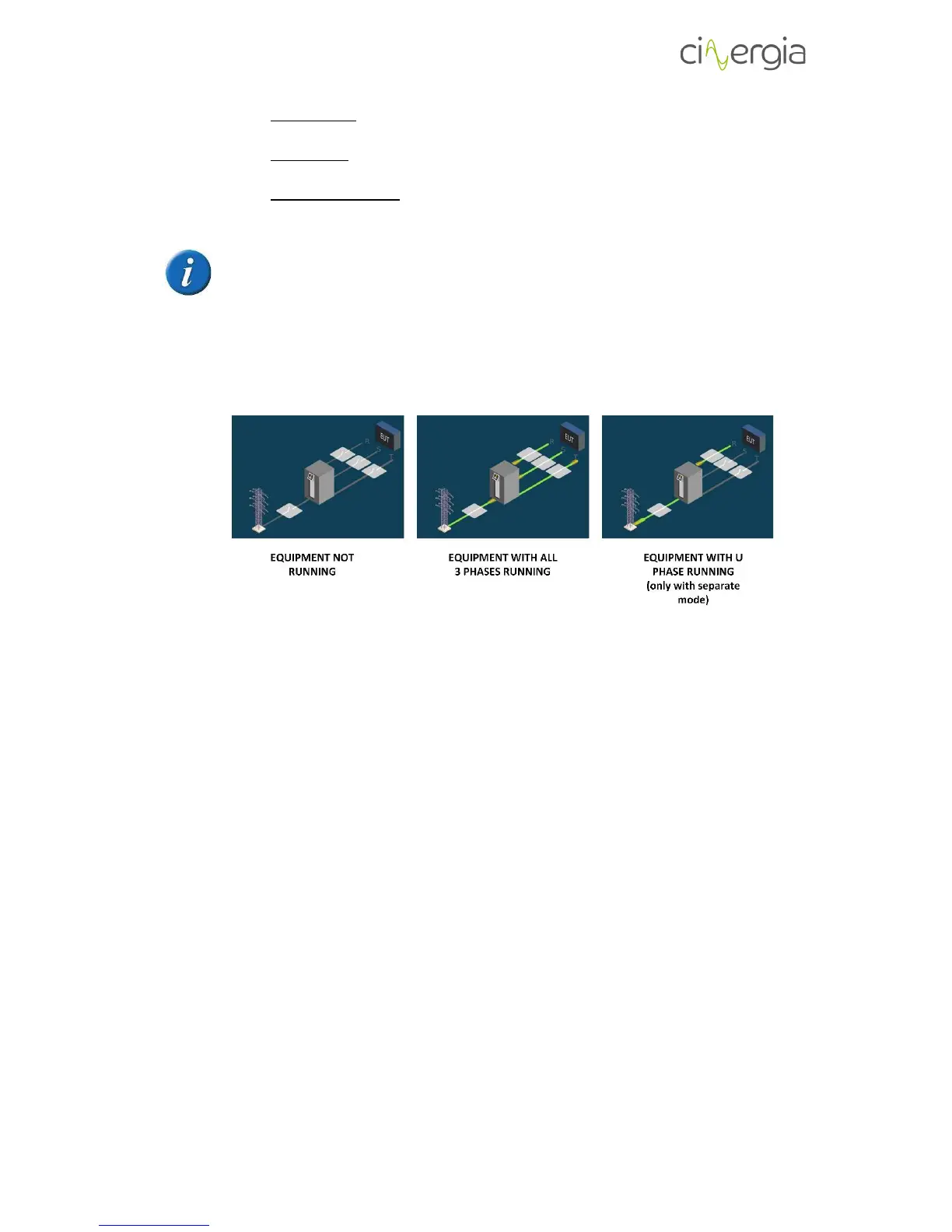
- F: graphical state of the converter. The figure indicates whereas the equipment is
running (and which phase) or not.



 To Next Page