Page 14 | 53
4.2 Browser Login
Open a browser (for optimal experience and to view video playbacks in the browser, Internet Explorer is
recommended) on your computer and enter the camera IP address in the web address bar.
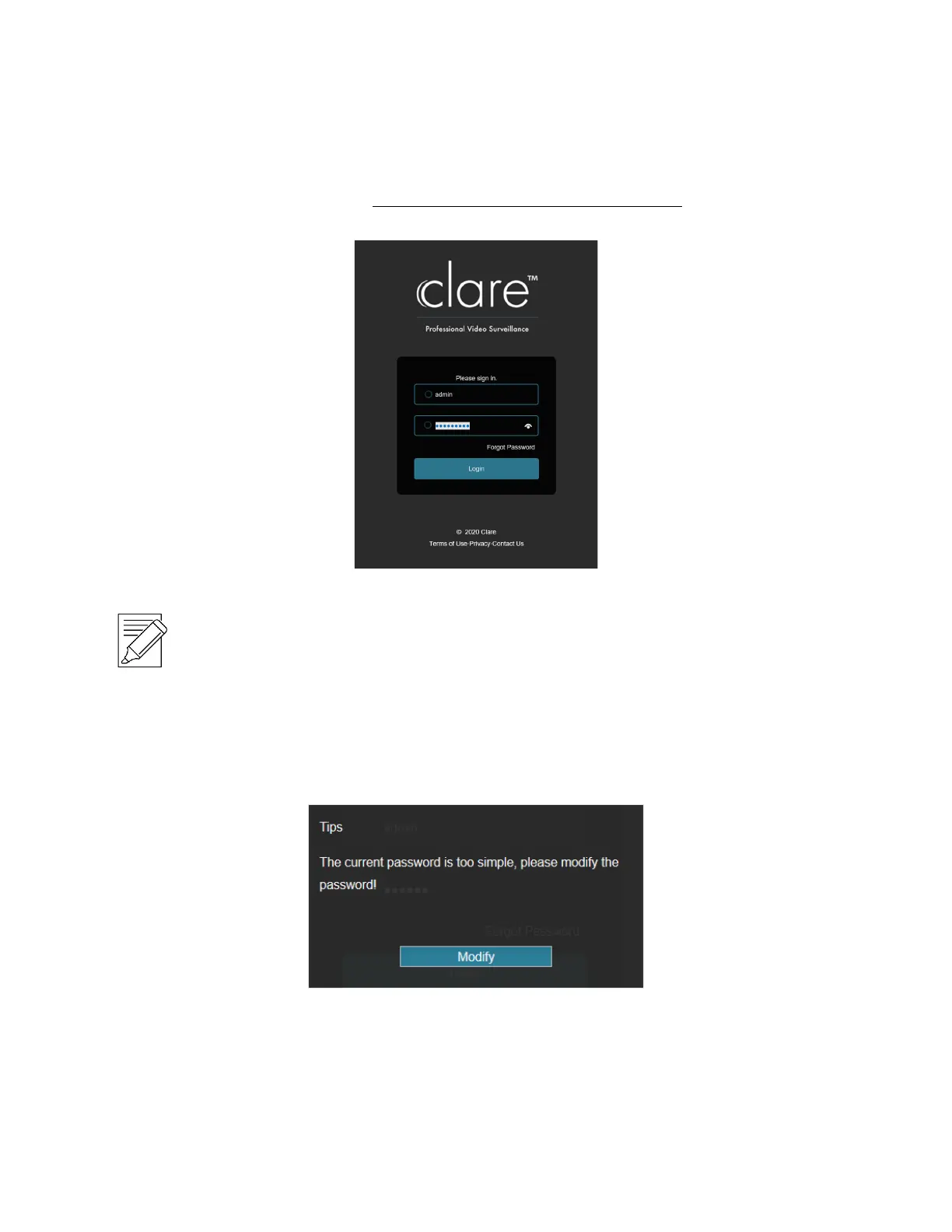
Enter “admin” for the username and the first six characters of the UUID for the password.
Figure 4-2
IMPORTANT NOTES:
The default administrator username is "admin".
The default password is the first six characters of the UUID found on the NVR, packaging box, and
Quick Start Guide. You will be prompted to change the password once the default login information is entered.
4.2.1 Change password
After a successful login, the interface will prompt you to change the password, as shown in Figure 4-3 and 4-4:
Figure 4-3



 To Next Page