Page 37 | 53
Figure 7-44
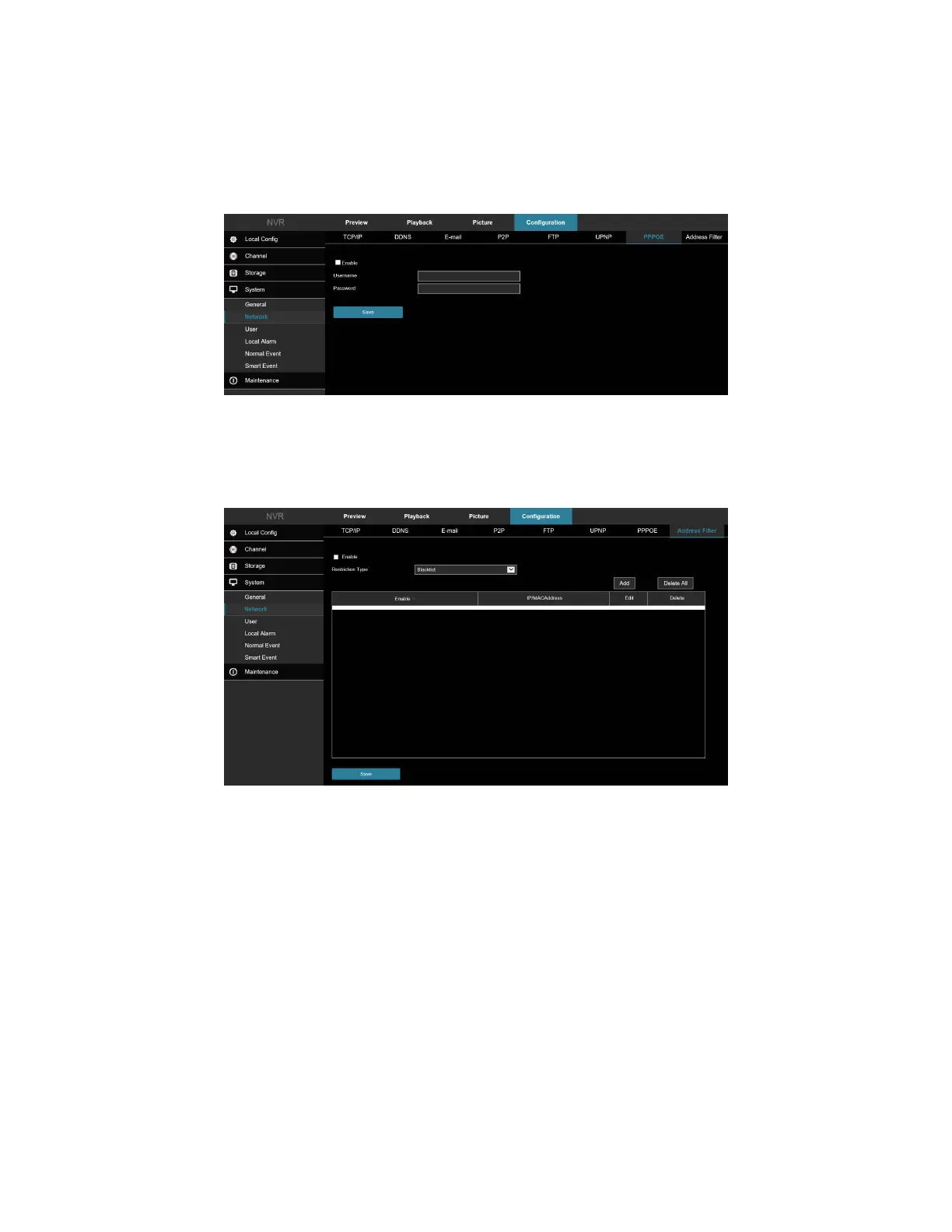
7.2.7 PPPOE
In the main interface, click Configuration → System → Network → PPPOE to enter the PPPOE setting interface,
Figure 7-45. Here you can enable and set the PPPOE function.
Figure 7-45
7.2.8 Address Filter
In the main interface, click Configuration → System → Network → Address Filter to enter the Address Filter
setting interface, Figure 7-46. Here you can enable and set the Address Filter function of the NVR.
Figure 7-46
7.3 User
In the main interface, click Configuration → System → User to enter the User management interface, Figure 7-47.
Here you can add, delete, edit users, user settings.



 To Next Page