Page 42 | 53
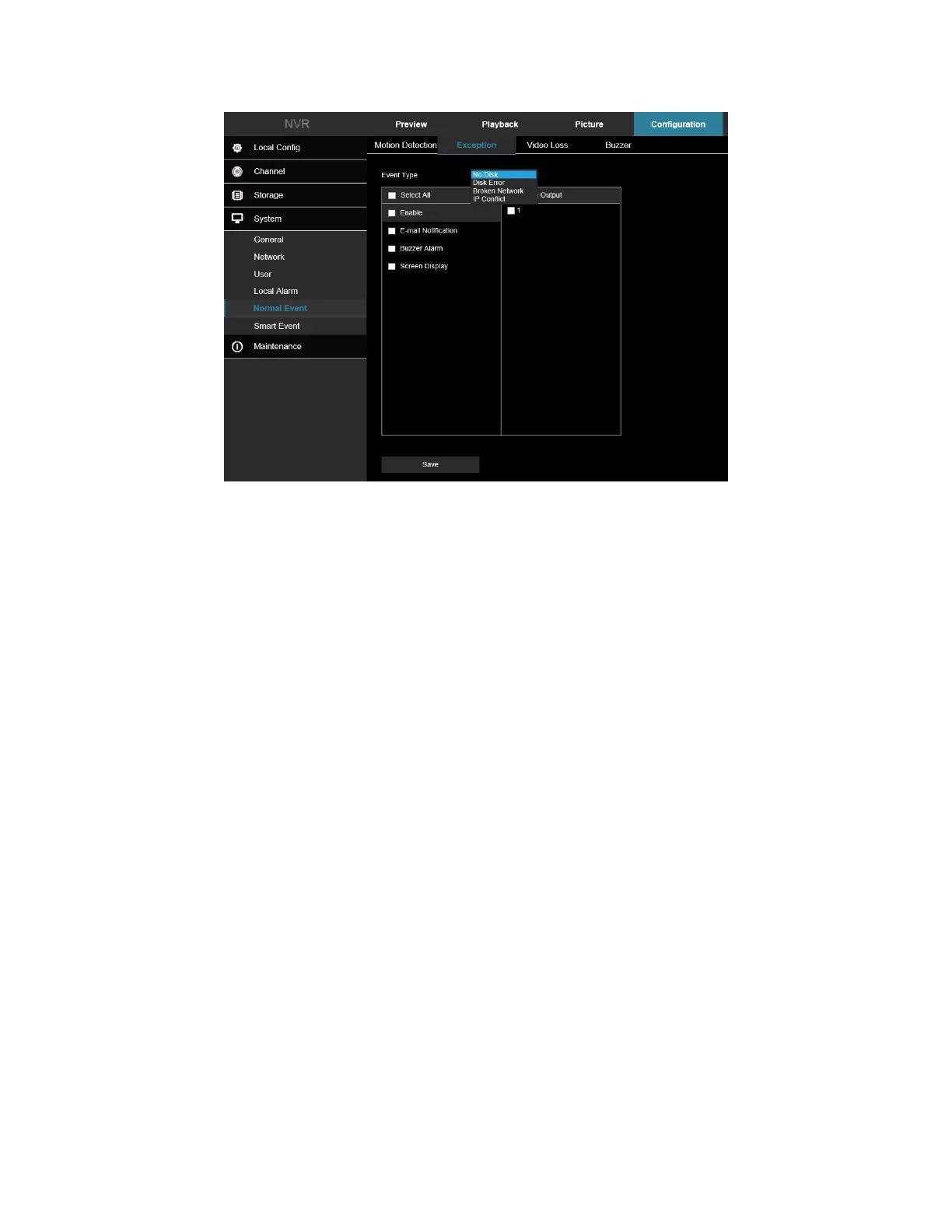
Figure 7-52
• Enable: Turn on event alert type.
• Screen Display: When an alarm occurs, the device pops up an alarm screen to show a warning.
• E-mail Notification: When an alarm occurs, the device sends an email as a warning.
• Buzzer Alarm: When an alarm occurs, the device beeps to give a warning.
7.5.3 Video Loss
In the main interface, click Configuration → System → Normal Event → Video Loss to enter the video loss setting
interface, Figure 7-53. Here you could enable channel video loss and set the corresponding alarm when the video is
lost. The relevant parameters are consistent with the local settings of the NVR. When there is a channel losing
video signal, the device will alarm and notify the user.
1. Select the desired channel and enable the video loss.
2. Set normal linkage and alarm output as required.
3. Click "Apply" to save the setting.



 To Next Page