Page 39 | 53
Figure 7-48
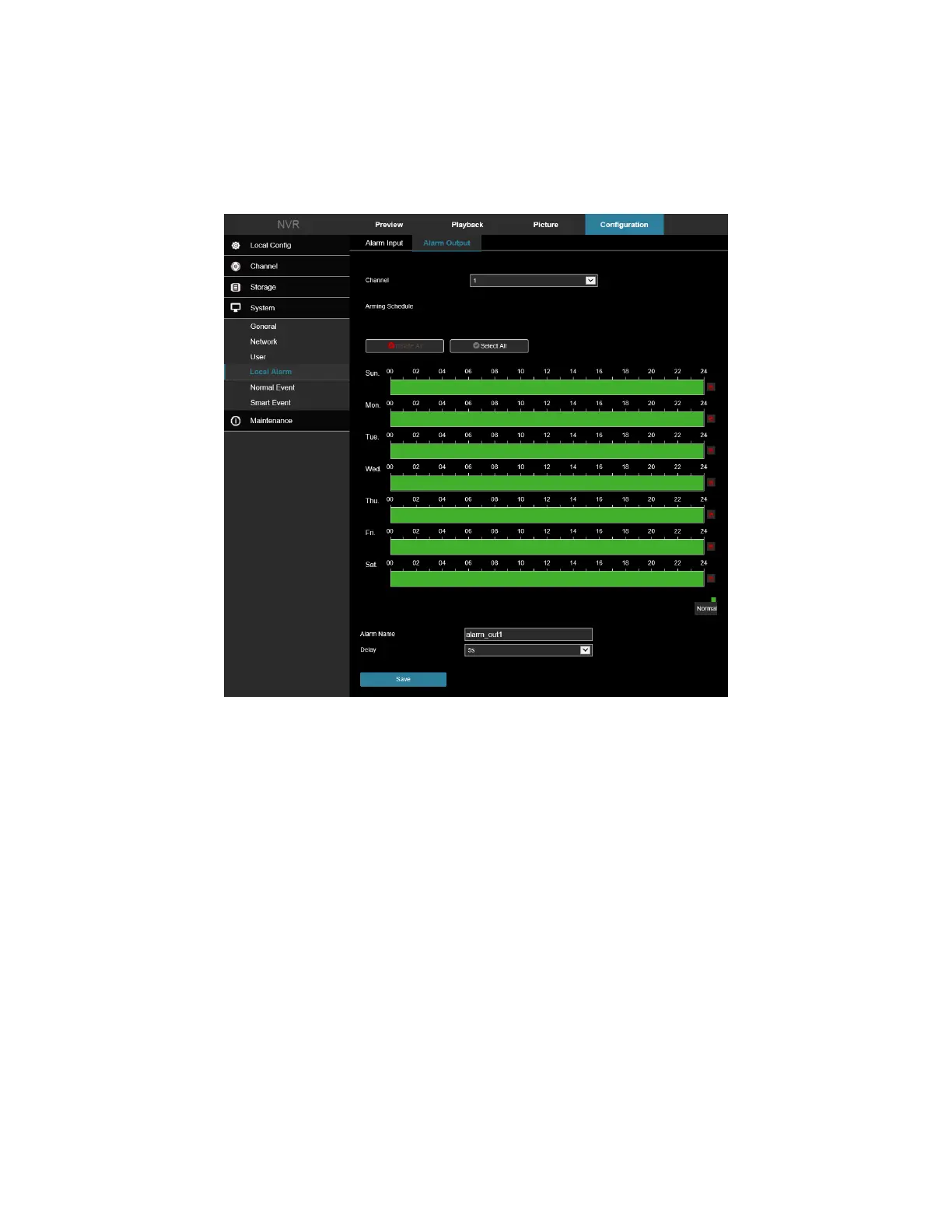
7.4.1 Alarm Output
In the main interface, click Configuration → System → Local Alarm → Alarm Output to enter the Alarm Output
interface, Figure 7-49. Here you can set the alarm output of the device to the alarm of the external alarm device.
Figure 7-49
7.5 Normal Event
7.5.1 Motion Detection
Motion detection uses computer vision and image processing techniques to analyze the video images to see if
there are enough image changes. When the moving target appears on the monitoring screen and the moving
speed reaches the preset sensitivity, the system performs an alarm linkage action.
Regional Settings
In the main interface, click Configuration → System → Normal Event → Motion Detection to enter the motion
detection setting interface, Figure 7-50. Here you can view and set device motion detection related information.
1. Select the desired channel and add a checkbox next to “Enable” to turn on motion detection events.
2. Adjust the sensitivity setting as needed.
3. Use the mouse to draw the motion detection area on the channel video.
Settings Include:
Channel: Select to set the channel.



 To Next Page