Page 28 | 53
Figure 5-28
You can choose up to 3 privacy areas. Hold down the left mouse button and drag to select the area in the area.
Region 1, Region 2, and Region 3 will show the corresponding coordinates, width, and height of the region. If you
want to delete a region, uncheck the corresponding privacy checkbox. Click on “Save” after completing the setting.
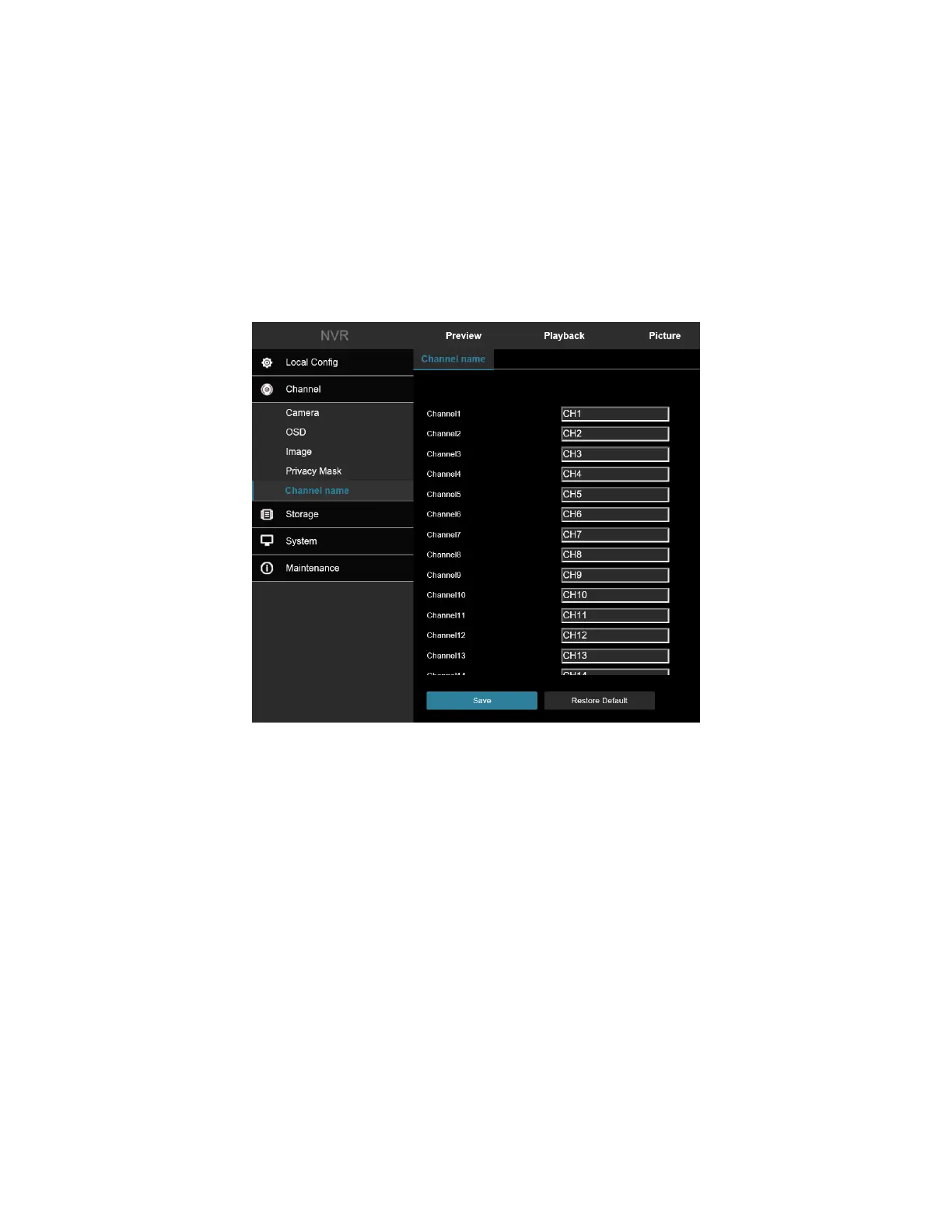
5.6 Channel Name
In the main interface, click Configuration → Camera → Channel Name to enter the channel name setting
interface, Figure 5-29. Here you can view and modify the names of all channels of the NVR.
Figure 5-29



 To Next Page