Page 44 | 53
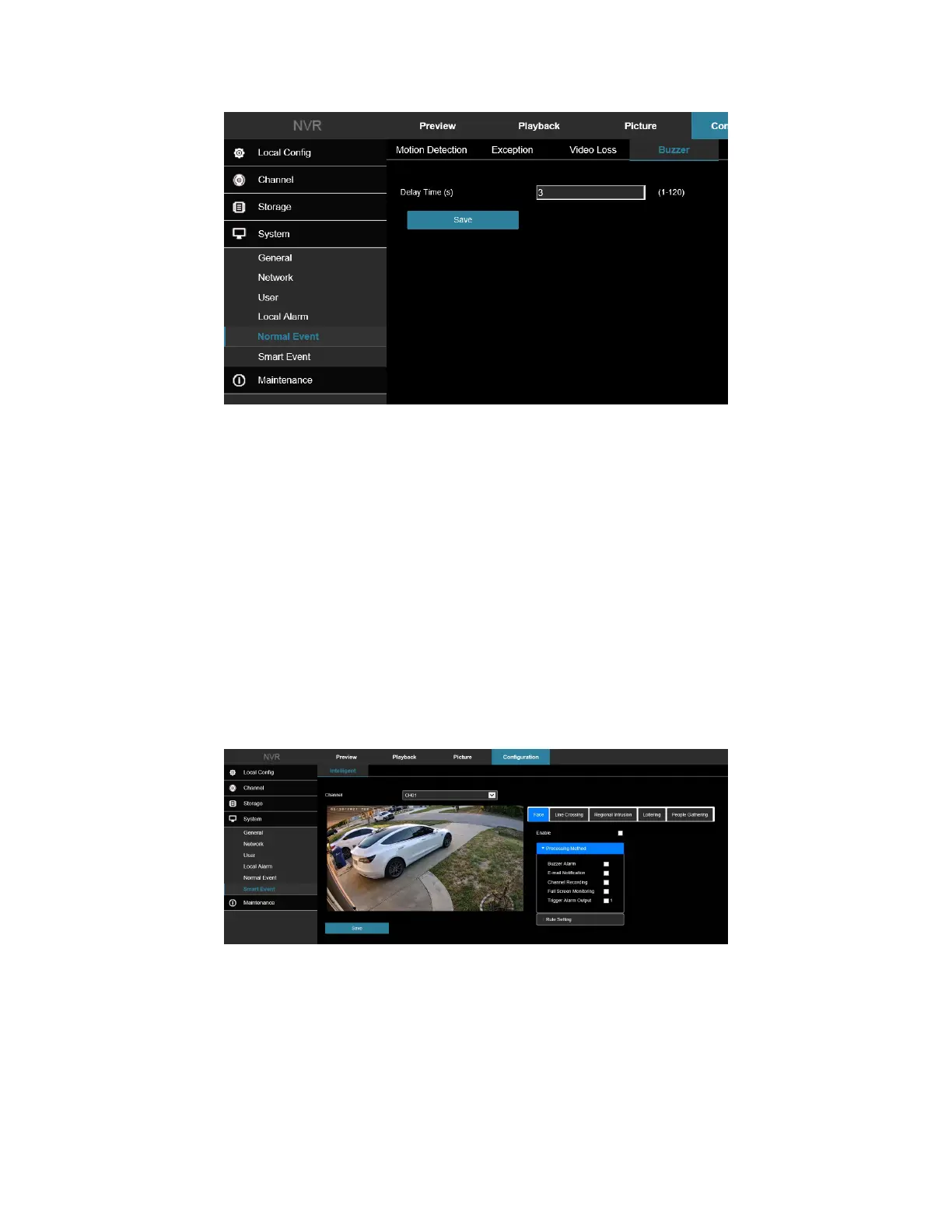
Figure 7-54
• Test: Click Test to confirm the volume and duration of the buzzer alarm.
7.5 Smart Event
Intelligent detection includes face detection, crossover detection, regional intrusion detection, people stay and
people gathering detection. Smart events are only available on ClareVision Performance Series of cameras.
7.5.1 Human Body Detection
In the main interface, click Configuration → System → Smart Event → Humanoid to enter the Face detection
setting interface, Figure 7-55. Here you could set the alarm upon detection of a human body.
1. Add a check box next to “Enable” to turn on Humanoid detection.
2. Configure alarm notification settings as needed: Buzzer Alarm, E-mail, Channel Recording, Full Screen
Monitoring, and Alarm Output Triggering.
3. Adjust the detection sensitivity under Rule Settings.
Figure 7-55
7.5.2 Line Crossing
In the main interface, click Configuration → System → Smart Event → Line Crossing to enter the Crossover
detection setting interface, Figure 7-56. Line crossing detection can detect whether there is an object crossing the
set warning surface in the video and perform linkage alarms according to the result.



 To Next Page