Page 53 | 53
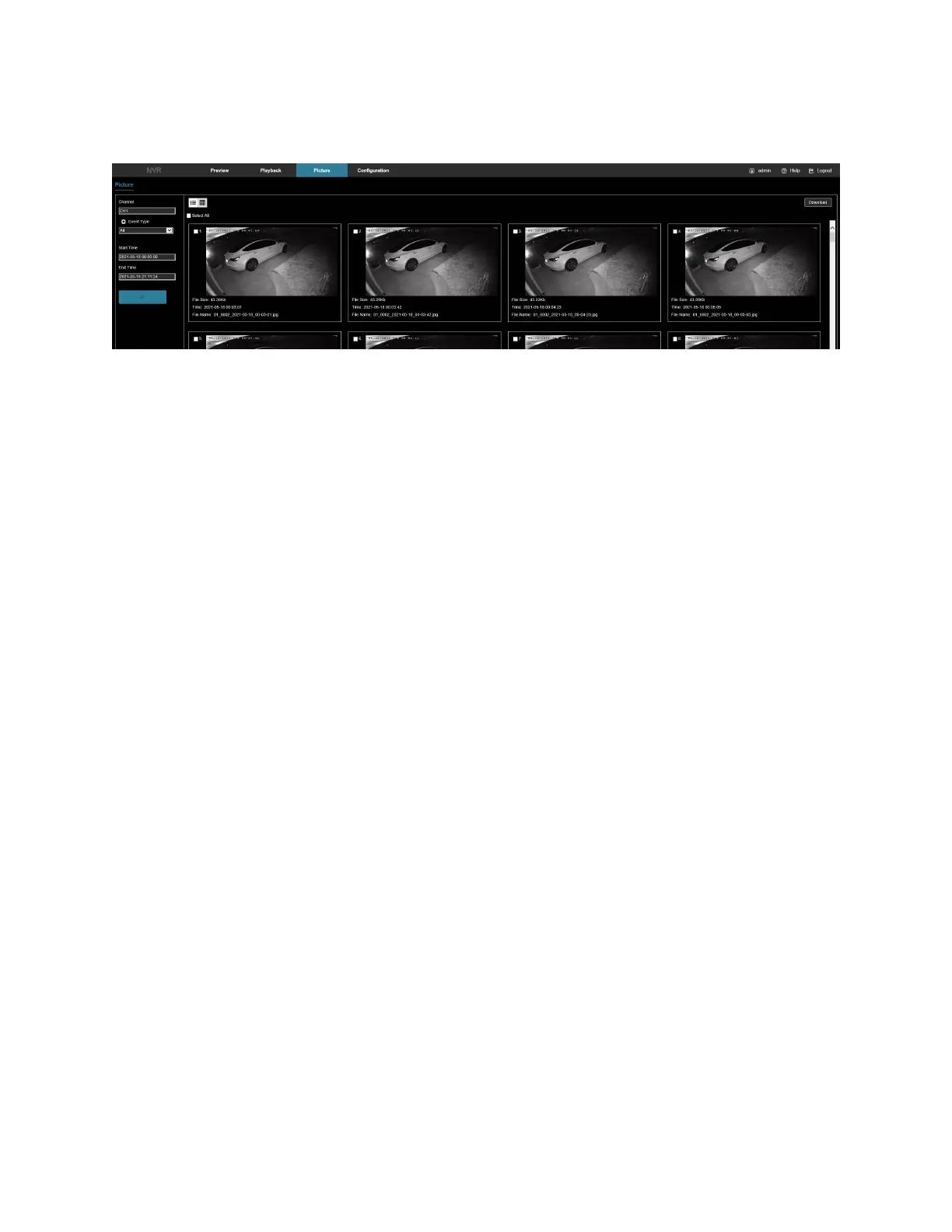
• Download: Select the picture, click Download, select the storage path, click OK, and then select the
picture to download to the specified folder.
Figure 9-68
Chapter 10: NVR maintenance and best practices
• When NVR shutdowns, don’t turn off the power switch directly. Use the shutdown button of system to
avoid data loss or damage of the hard disk.
• Ensure that the NVR is away from high temperature heat sources.
• Keep the NVR free of dust and in an area of good ventilation.
• Do not hot swap the audio/video signal line and RS-485 interfaces, or these ports will be damaged.
• Check the HDD power cable and data cable of the NVR regularly and check for damage.
• Avoid the audio/video signal affected by other circuits and devices as much as possible, prevent the hard
disk damaged by electrostatic or induced voltage.



 To Previous Page