Page 49 | 53
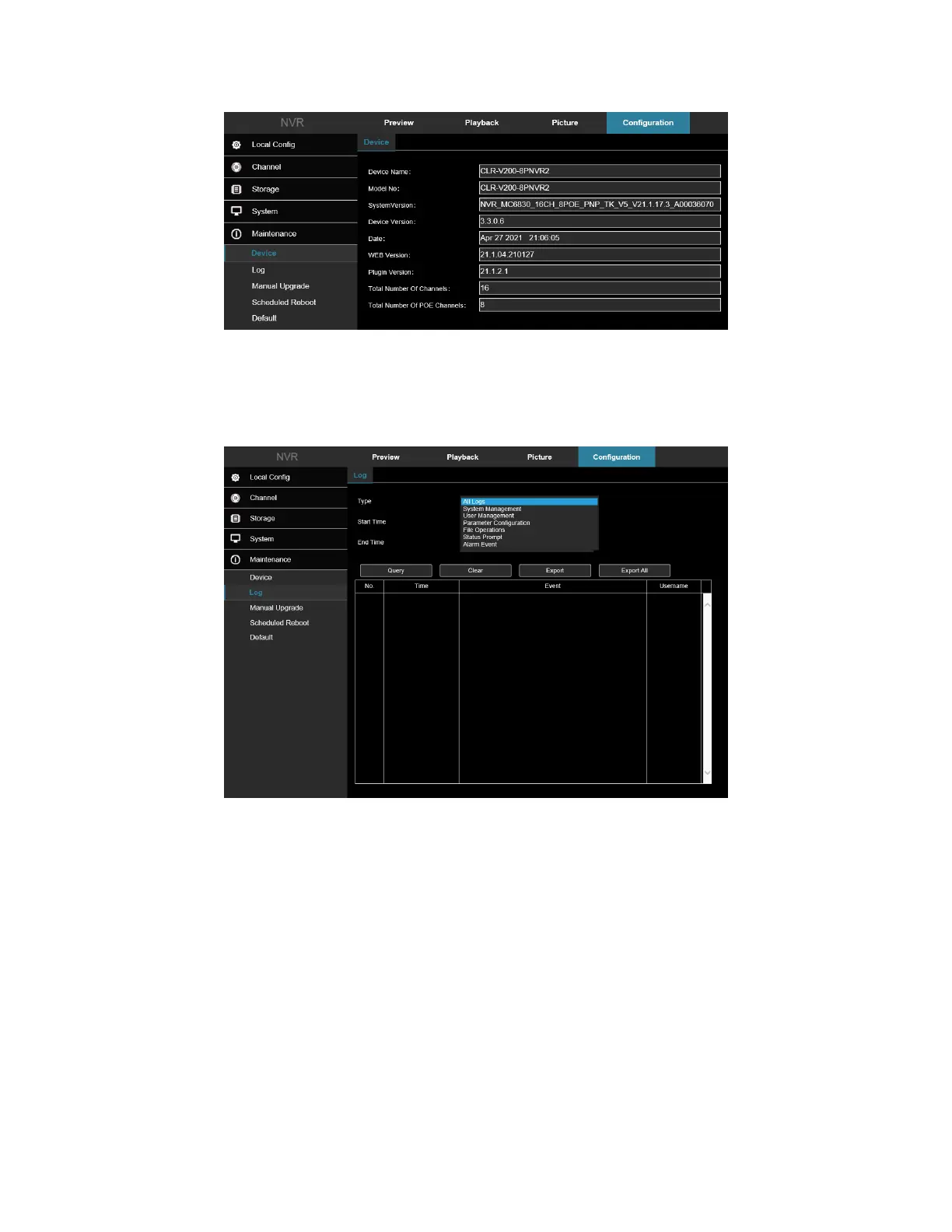
Figure 8-60
8.2 Log
In the main interface, click Configuration → Maintain → Log to enter the log interface, Figure 8-61. Here you can
search and clear the device logs.
Figure 8-61
• Type: Select the type of log to find.
• Start/End Time: Enter the time range of the log.
• Export: Export the searched log information and store it on the U disk of the connected device.
• Export All: Export and store all log information on the U disk connected to the device.
• Query: Search logs by setting search criteria and display them in the log list.
• Prev Page/Next Page: Page turning function, when there are multiple logs in the query period, click to
view other log information.
• Clear: Clear all the information for the log.
8.3 Manual Upgrade
In the manual upgrade interface, you can reboot and upgrade your device. Figure 8-62.



 To Next Page