Page 17 | 53
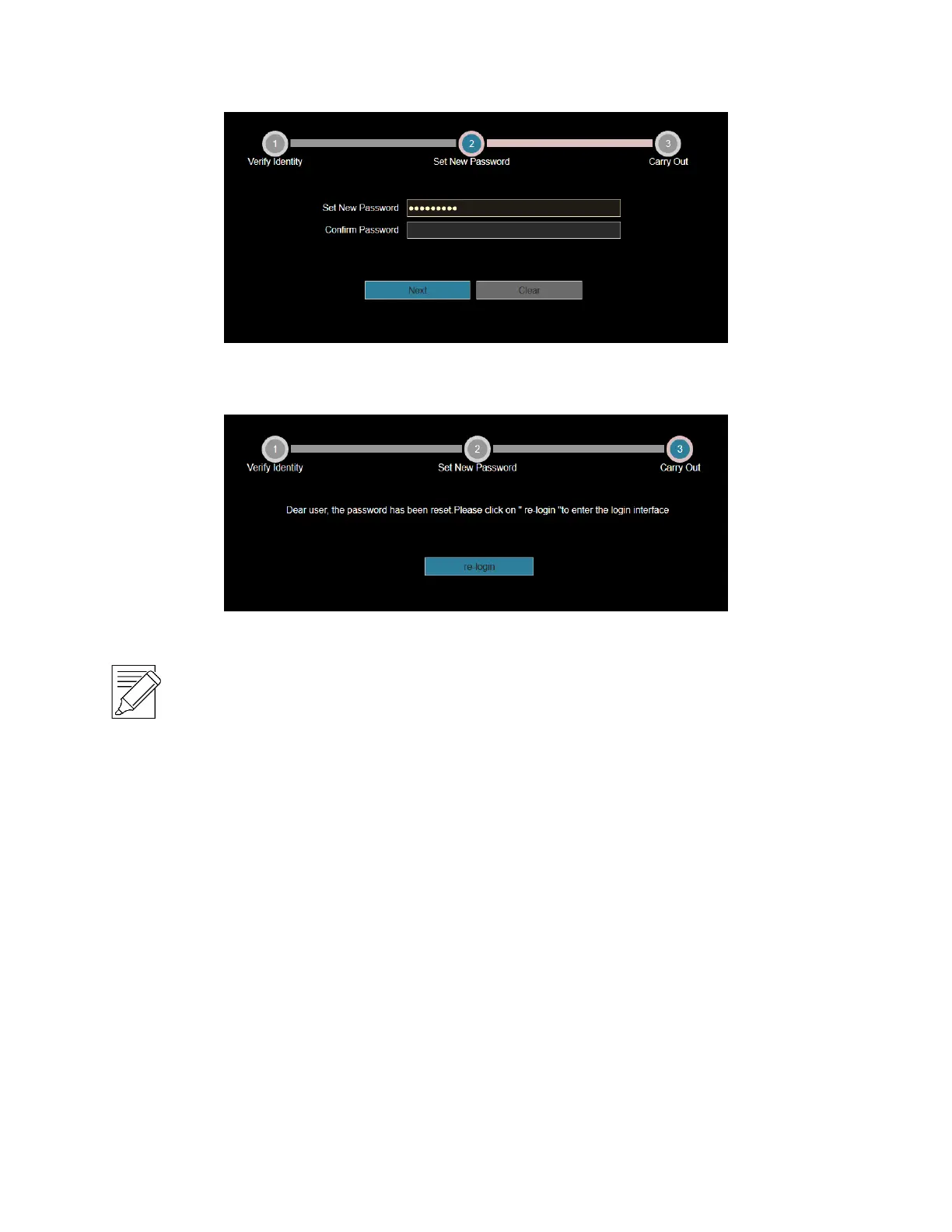
Figure 4-9
4. Click "Re-login" to return to the login interface (as shown in Figure 4-10).
Figure 4-10
IMPORTANT NOTE:
When selecting "Security question validation", enter the correct answers to 2 questions to enter the
"Set New Password" interface and proceed to the next step.
When setting a new password, you must set at least 8 digits and contain both letters and numbers to set it
successfully.
An NVR key file can be used multiple times to reset the password if you forget it.
4.2.4 Exiting Web Console
When you access the NVR web console, you can quickly log out of the console by tapping on the “Logout” button
in the top-right corner of the screen.
3.3 Install the necessary browser plugins
The browser plug-in needs to be downloaded and installed when logging in to the device for the first time, Figure
4-11. Click "Please click here to download the browser plug-in, please close the browser when the download is
finished", install it, and then follow the prompts to complete the installation.



 To Next Page