Page 18 | 53
Figure 4-11
IMPORTANT NOTE:
After the NVR upgrades to a new version, you need to delete the original control, download, and then
install the control again.
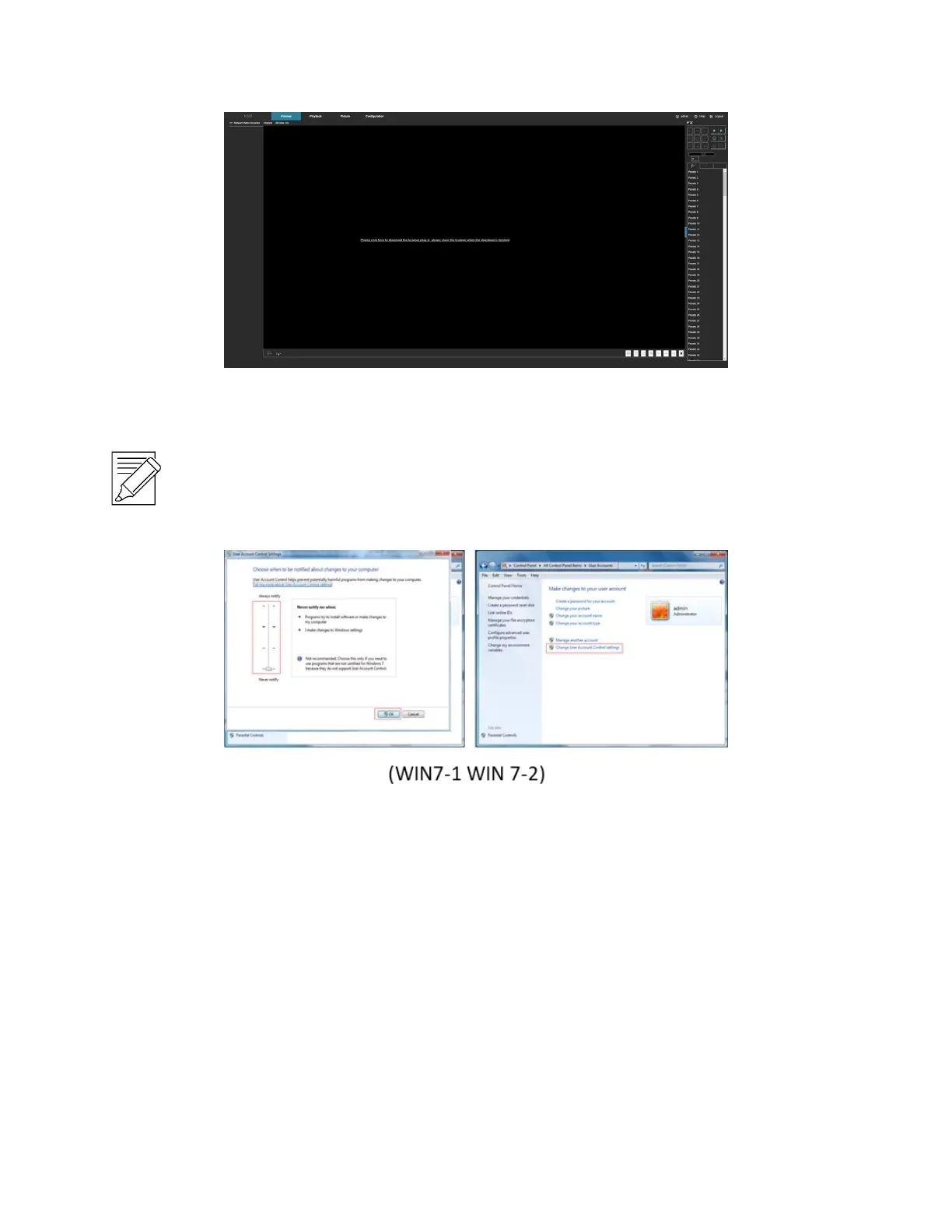
WIN 7 could have problems regarding backup and recording. If so, check the Admin setting, procedure as follows:
If the Active X cannot be loaded. Please adjust the security level and firewall setting to the lowest setting and make
some adjustment to IE as well: Tool-Internet Option- Custom level-ActiveX- enables all the options below ActiveX,
and then click "OK". The Active X is downloaded and installed automatically, Figure 4-12.



 To Next Page