Page 50 | 53
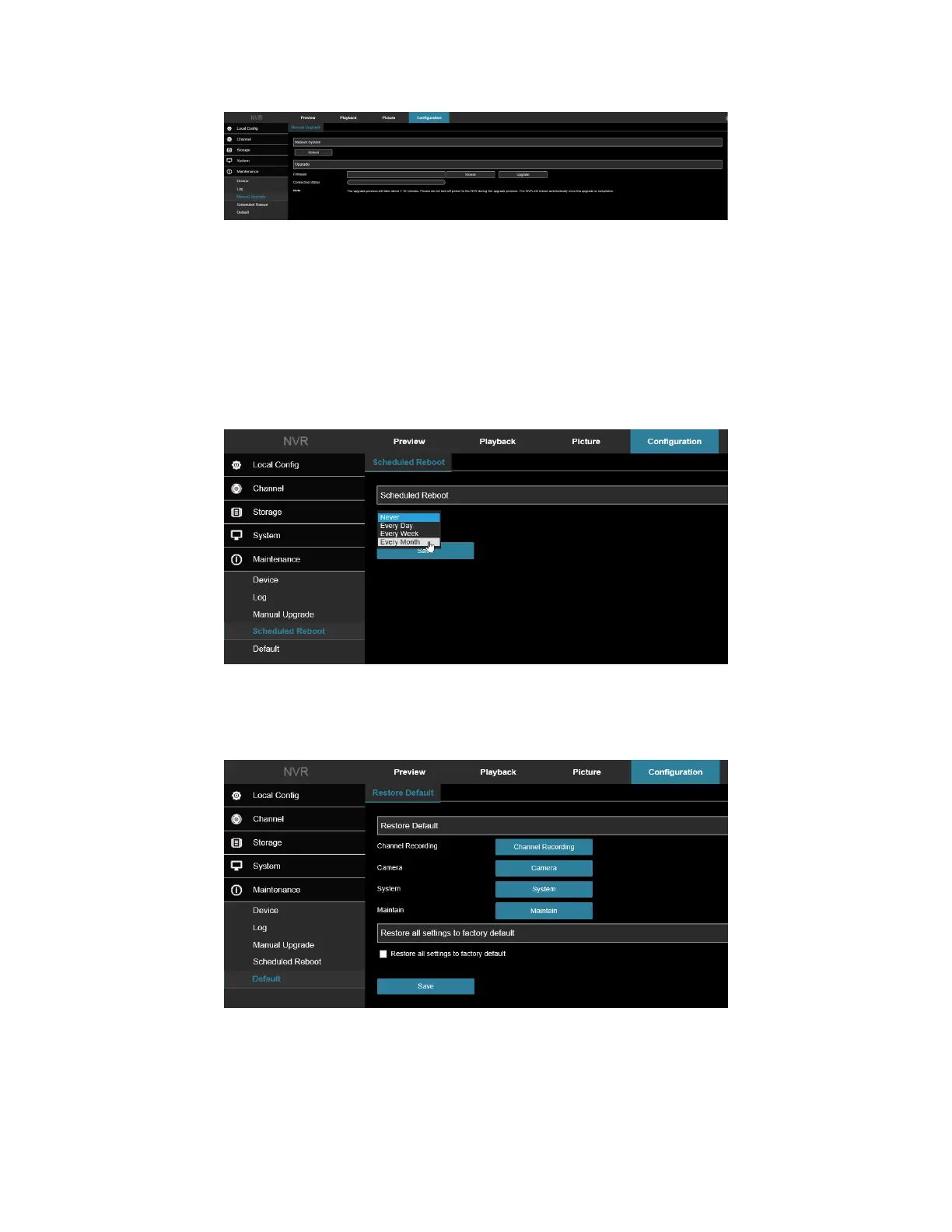
Figure 8-62
1. Select browse and navigate to the location where the firmware update is saved on your computer.
2. Select the firmware and tap “Open”.
3. Click “Upgrade”, wait for the interface to finish loading the progress bar. The NVR will restart, completing
the upgrade.
8.3 Schedule Reboot
In the main interface, click Configuration → Maintenance → Schedule Reboot to enter the scheduled reboot
settings interface, where you can set the period and time for the device to restart. Figure 8-63
Figure 8-63
8.3 Default
Set the restore default to restore the device default parameters to the factory defaults. Figure 8-64.
Figure 8-64
1. Select the checkbox “Restore all settings to factory default”.
2. Click “Save” and the selected parameters are restored to the factory defaults.



 To Next Page