Page 34 | 53
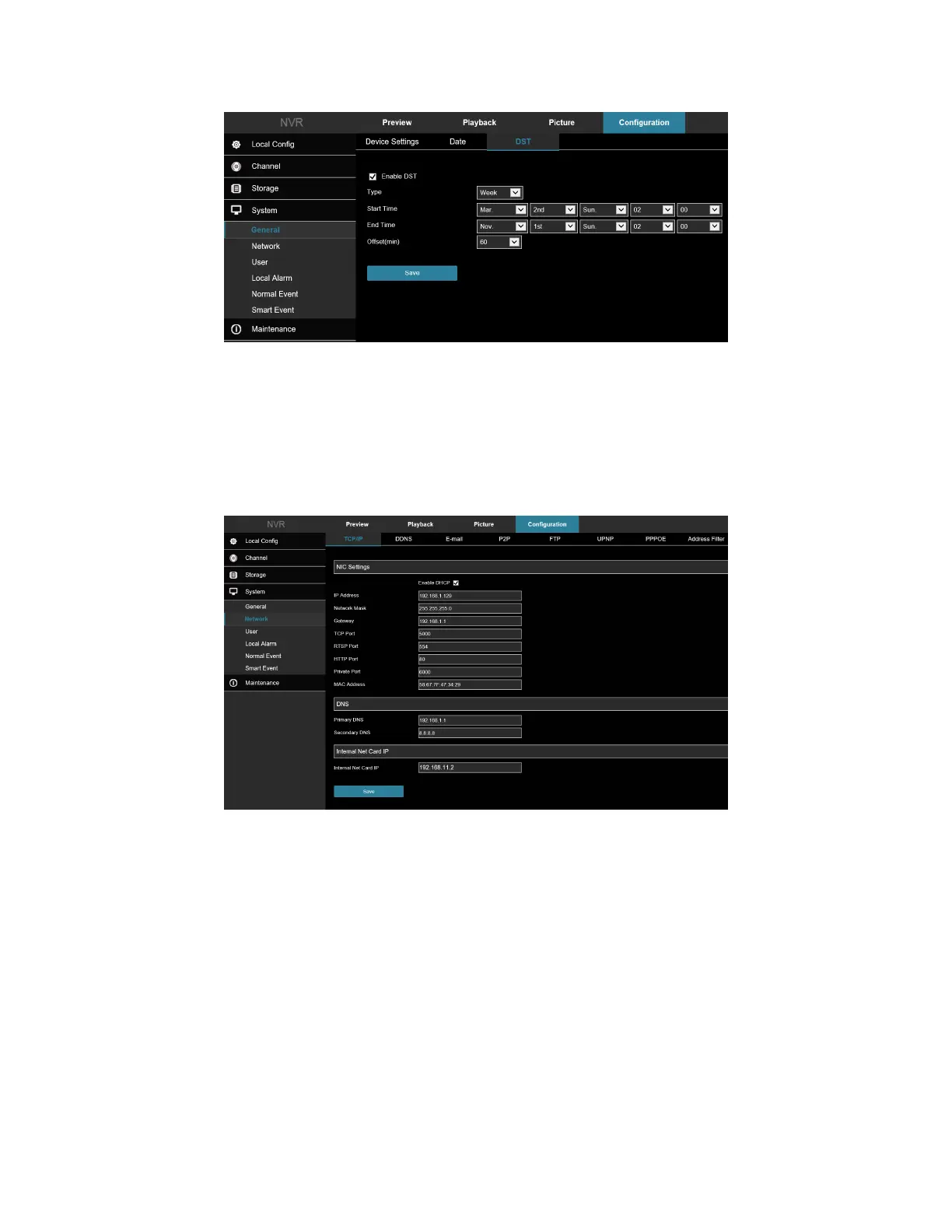
Figure 7-38
7.2 Network
7.2.1 TCP/IP
In the main interface, click Configuration → System → Network to enter the IP/Port setting interface, Figure 7-39.
Here you can set the IP Address, Network Mask, Gateway, Port, DNS, and other network information.
Figure 7-39
7.2.2 DDNS
In the main interface, click Configuration → System → Network → DDNS to enter the DDNS setting interface,
Figure 7-40. Here you can enable and set the DDNS function.



 To Next Page