Page 24 | 53
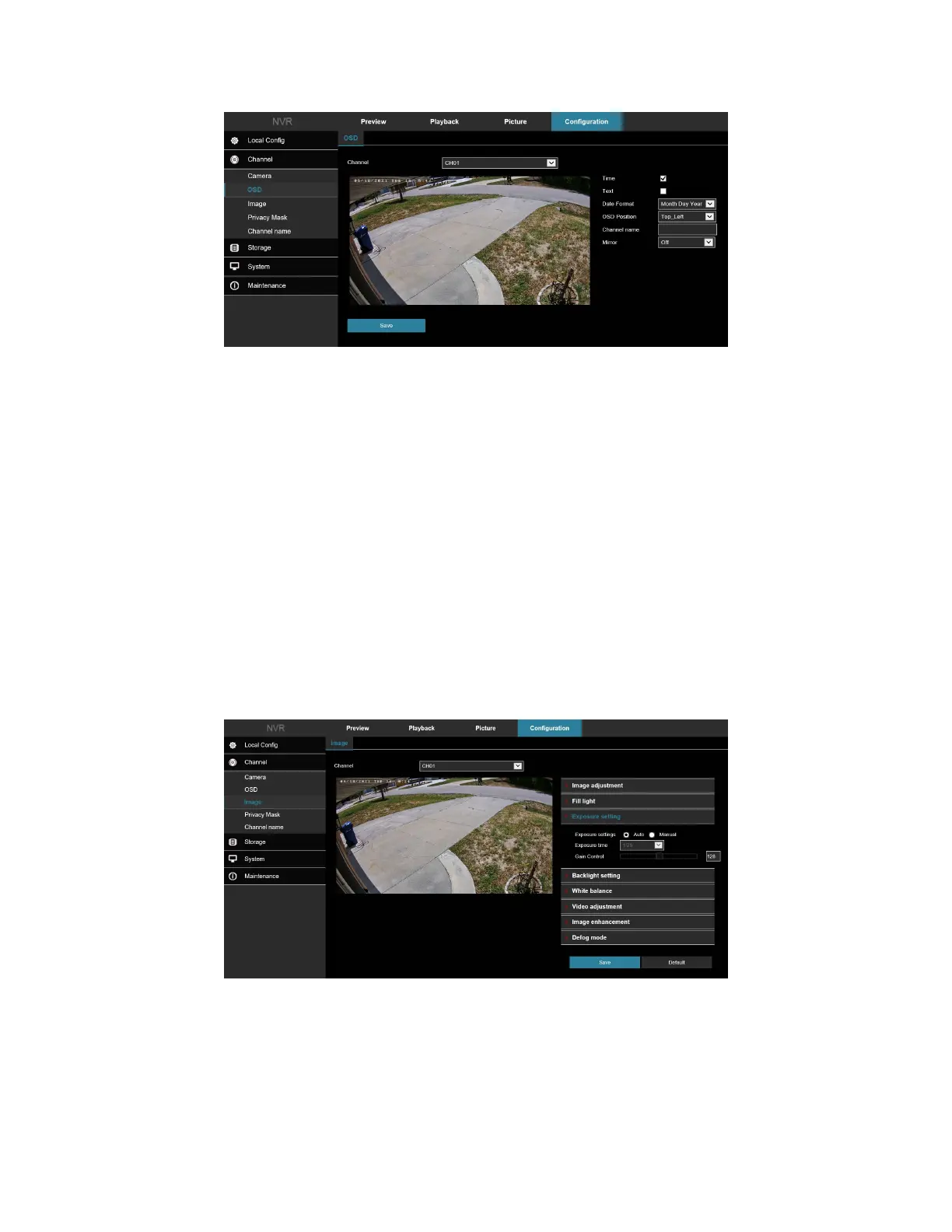
Figure 5-18
• [Time] Turn on / off the preview interface time display.
• [Text] Turn on / off the preview interface OSD text display.
• [Date Format] Set the preview interface to display the date format, default day / month / year, switchable
month / day / year, and year / month / day options.
• [OSD Position] Set the preview interface to display the time or OSD text position, the default is the Top
Left You can switch the Bottom Left.
• [Channel Name] Display the channel name.
• [Mirror] Adjust image orientation.
5.4 Image
In the main interface, click Configuration → Camera → Image to enter the Image setting interface, Figure 5-19.
Here you can view and adjust each channel image settings, including Image Adjustment, Exposure Settings, Focus,
Backlight Settings, Day and night switch, White Balance, Video Adjustment, Image Enhancement, Defog Mode,
Distortion, and Image rotation as shown in Figure 5-19.
Figure 5-19



 To Next Page