Page 25 | 53
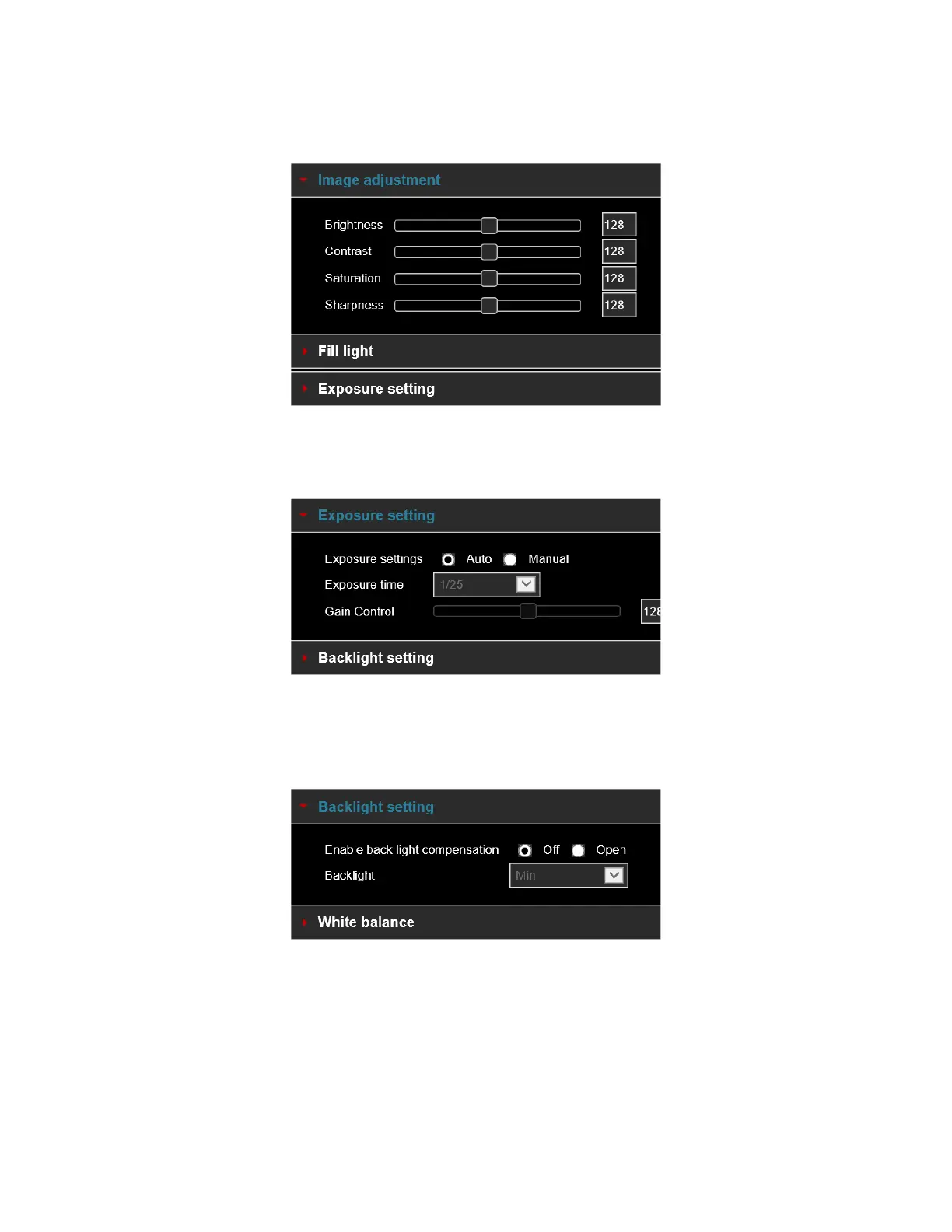
[Image adjustment] You can manually set brightness, contrast, saturation, sharpness. The scope of valid
values is from 0 to 255, you can drag the slider to set, and the default value is 128, as shown in Figure 5-20.
Figure 5-20
[Exposure settings] The default is automatic exposure. To set specific exposure settings, select Manual, and
the Exposure Time and Gain Control is activated, click "Save". As shown in Figure 5-21
Figure 5-21
[Backlight Settings] Used to set backlight compensation and strong light suppression. The default is OFF, it can
be turned on manually, allowing backlight, strong light suppression intensity, and dark area boost strength
settings to be configured, as shown in Figure 5-22.
Figure 5-22



 To Next Page