Page 26 | 53
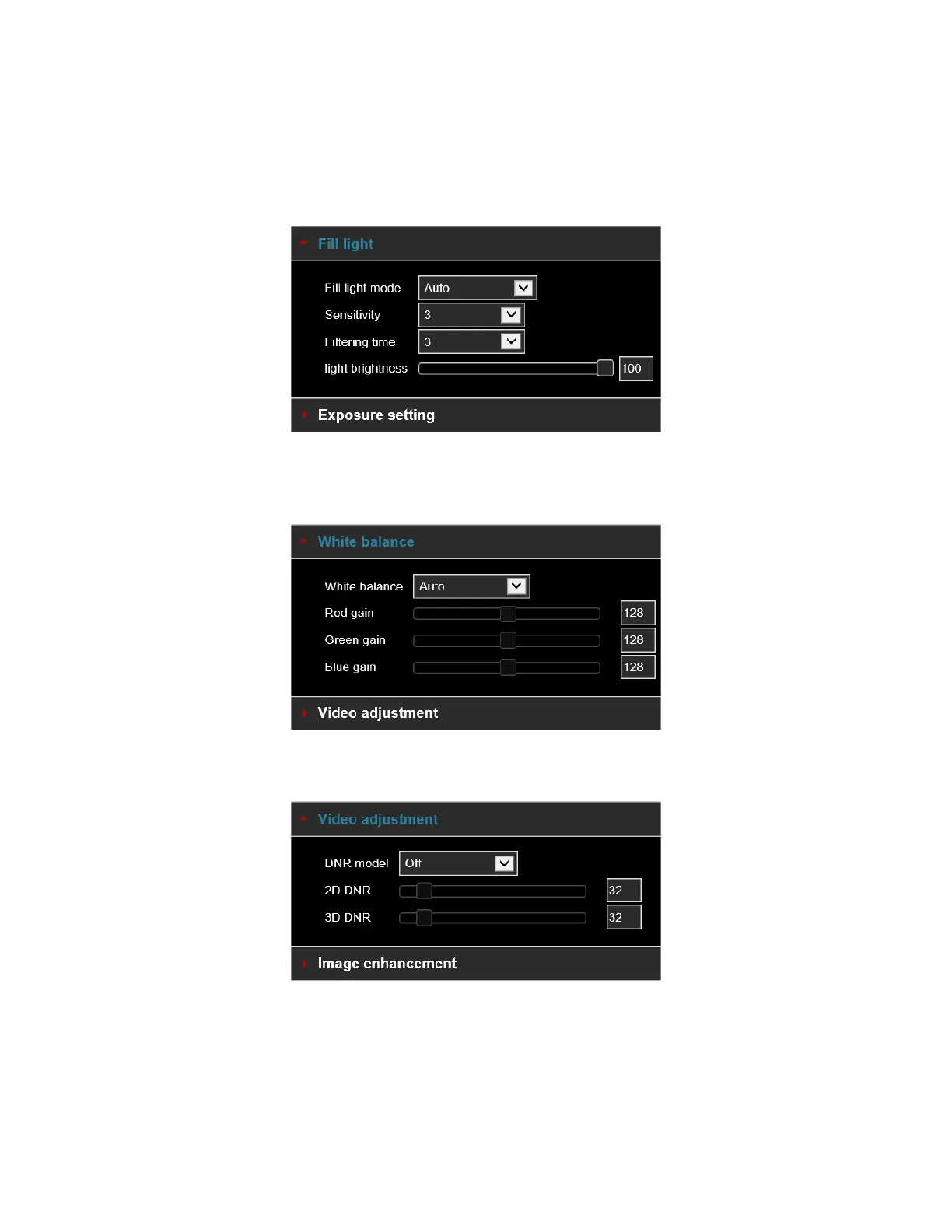
[Fill Light] The fill light mode defaults to automatic with sensitivity set to 3. Filter time is 3 seconds, light mode
is auto, Light Brightness is 100, as shown in Figure 5-23. When the fill mode is "Automatic", the device will
turn on the fill light according to the actual environment. The user can switch the fill mode to "Day", "Night"
and "Scheduled Switch" according to the actual scene environment and switch the sensitivity and filter time of
the device according to the fill mode.
Figure 5-23
[White balance] Default is Auto, can be switched to Manual for adjusting the Red, Green, and Blue color gains
as shown in Figure 5-24.
Figure 5-24
[Video adjustment] Here you can turn on and set 2D or 3D digital noise reduction, as shown in Figure 5-25.
Figure 5-25



 To Next Page