Page 27 | 53
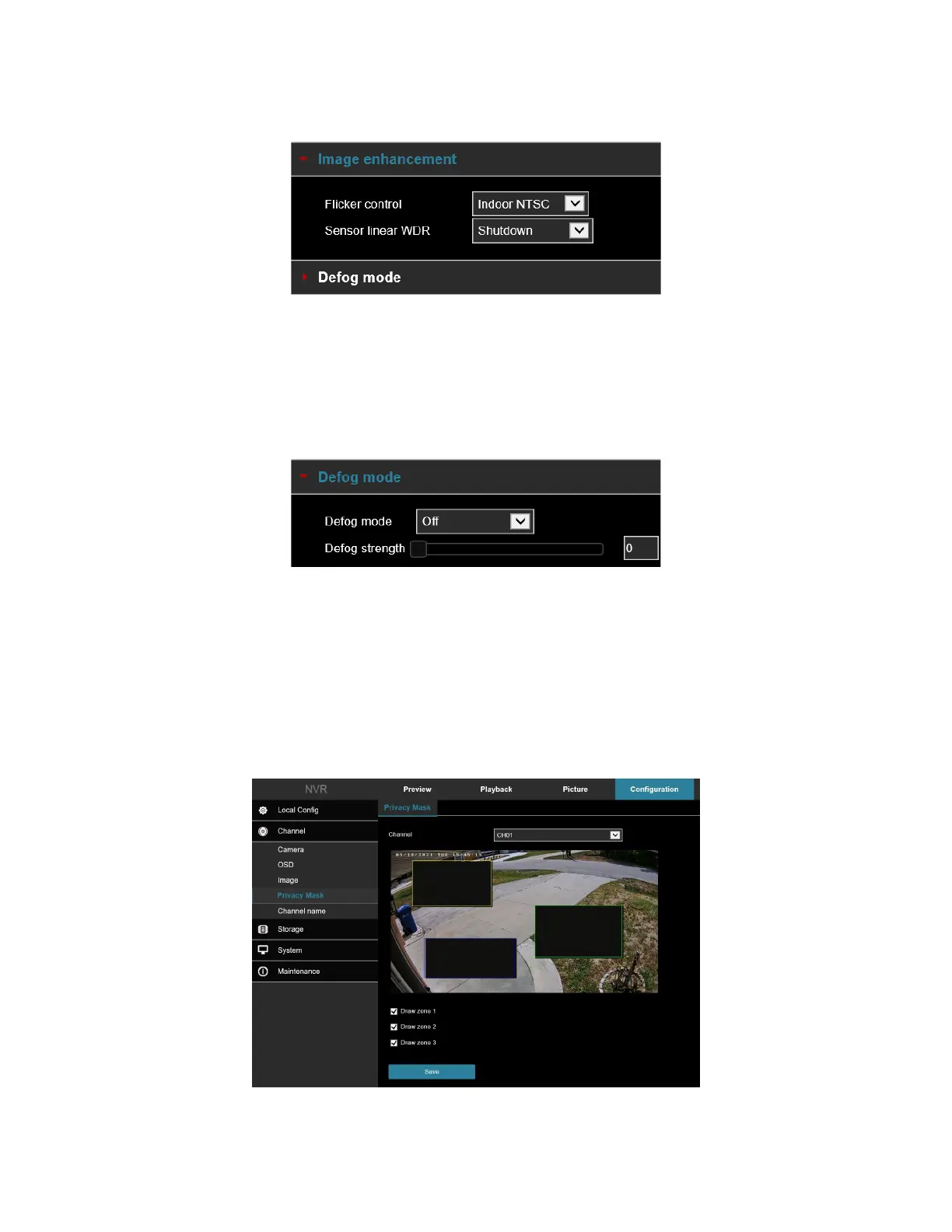
[Image enhancement] Including flicker control, wide dynamic switch, HDR, as shown in Figure 5-26.
Figure 5-26
o Flicker control: The flash mode is selected according to the camera installation environment and the
flicker standard. The default setting is NTSC (60HZ).
o Sensor linear WDR: The default is Shut Down (off). You can switch select: Automatic, Weak,
Moderate, Strong, Super.
[Defog mode] Used to set the defog mode and strength, as shown in Figure 5-27.
Figure 5-27
o Defog Mode: The default is off; you can choose from the drop-down menu to On or Auto.
o Defog Strength: The default is 0, when the fog mode is open, you can set the fog strength, can be set
to a value range of 0-255.
5.4 Privacy Mask
In the main interface, click Configuration → Camera → Privacy Mask to enter the privacy mask setting interface,
Figure 5-28. Here you can add three shielding areas. This feature blocks a portion of the camera view from being
viewed and recorded.



 To Next Page