Page 41 | 53
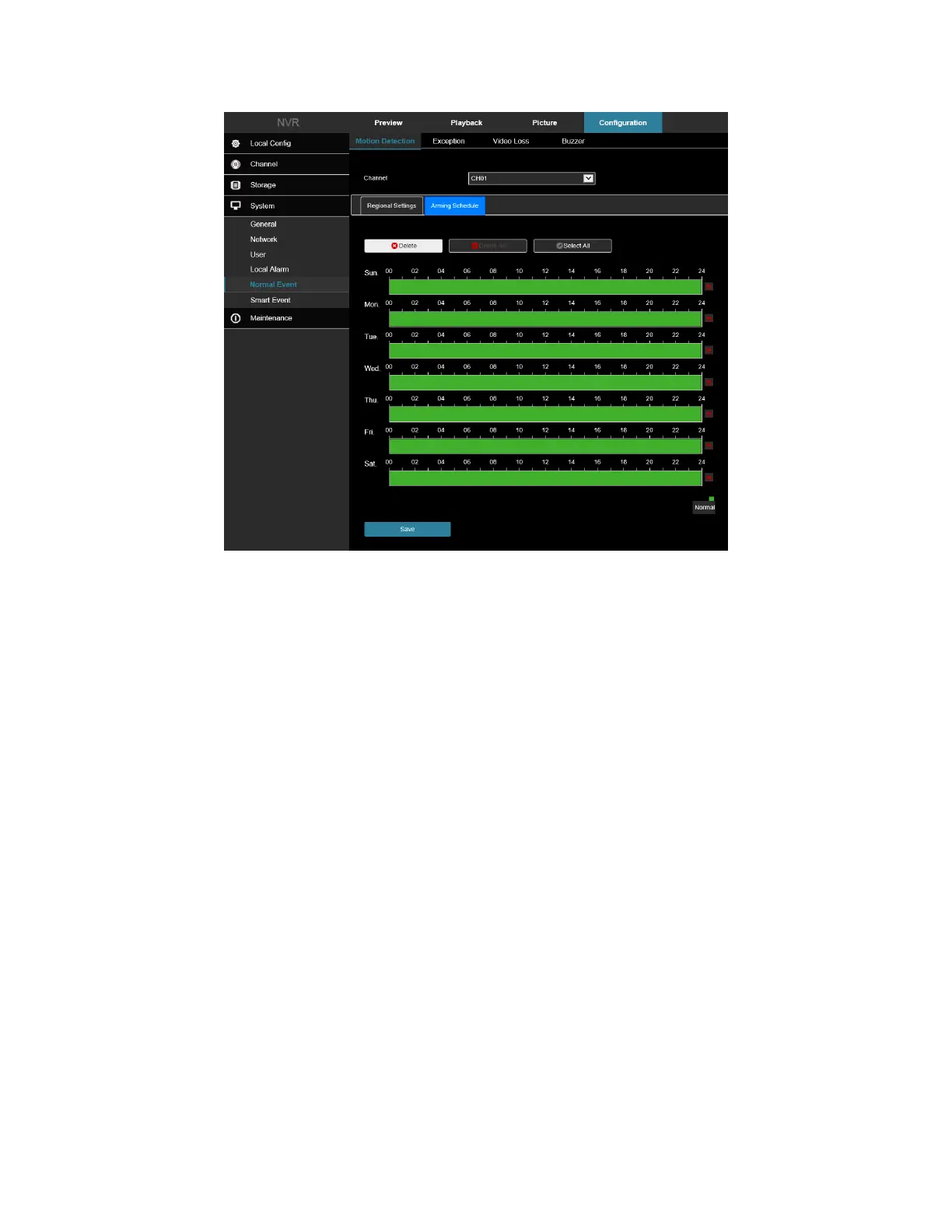
Figure 7-51
7.5.2 Exception
In the main interface, click Configuration → System → Normal Event → Exception to enter the exception setting
interface, Figure 6-33. Here you could set the alarm mode of abnormal events. When an abnormal event occurs
during the operation of the NVR, the system executes the alarm linkage action. Supported event types include "No
Disk", "Disk Error", "Broken Network", and "IP Conflict".
1. Select the event type, and then add a check box next to “Enable” to turn on the exception alarm.
2. Select the alert type (Screen Display, E-mail Notification, Buzzer Alarm), and then select the alarm output
port.
3. Click "Apply" to save the settings.



 To Next Page