Page 23 | 53
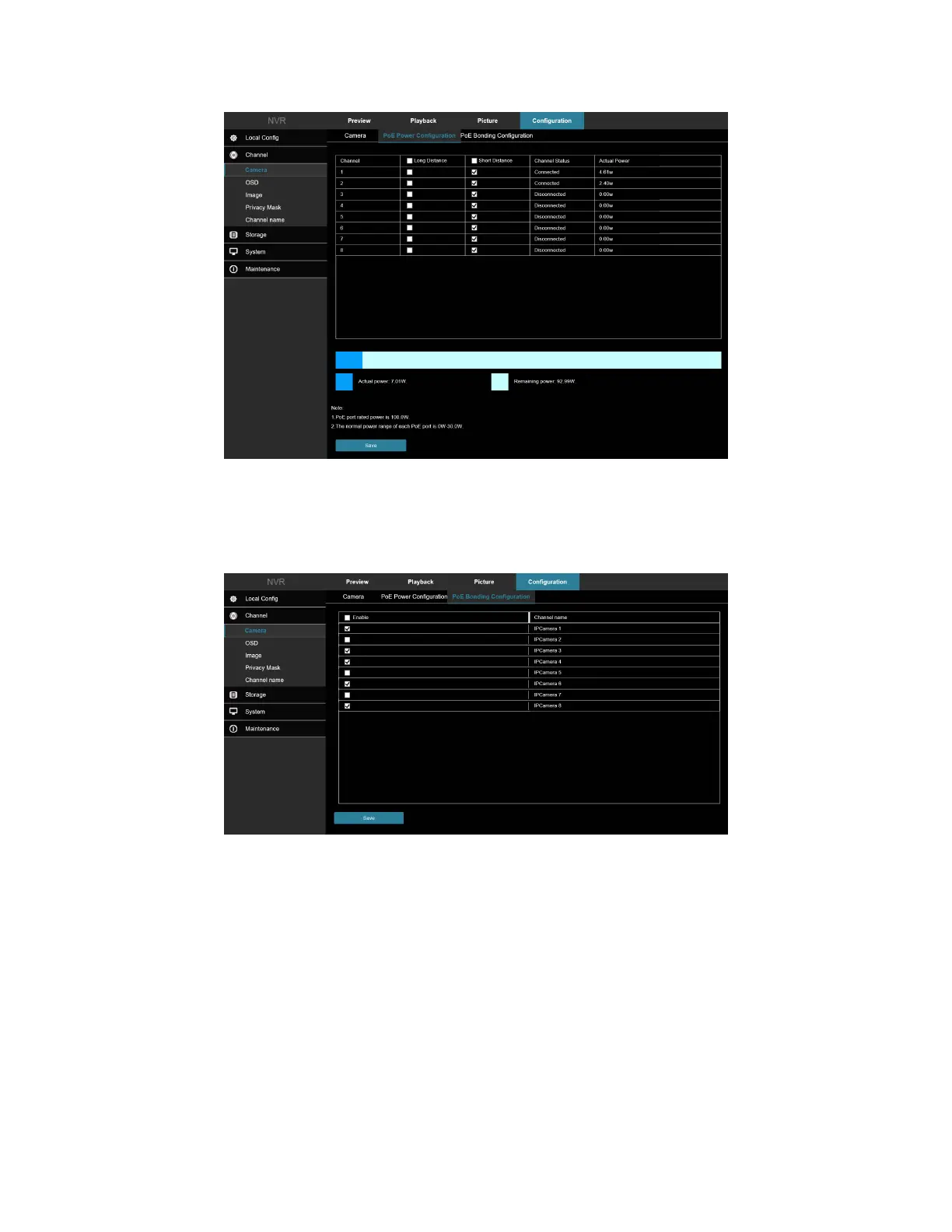
Figure 5-16
5.2.3 PoE Bonding Configuration
In the main interface, click Configuration → Camera → Add Camera → PoE Binding Configuration to enter the PoE
Power Configuration interface. Here you can set each PoE port to bind with the desired camera. Figure 5-17.
Figure 5-17
5.3 OSD
In the main interface, and then click Configuration → Camera → OSD to enter the OSD setting interface, Figure 5-
18. Here you can adjust he On Screen Display settings to view channel text, date, and other related information.



 To Next Page