Page 35 | 53
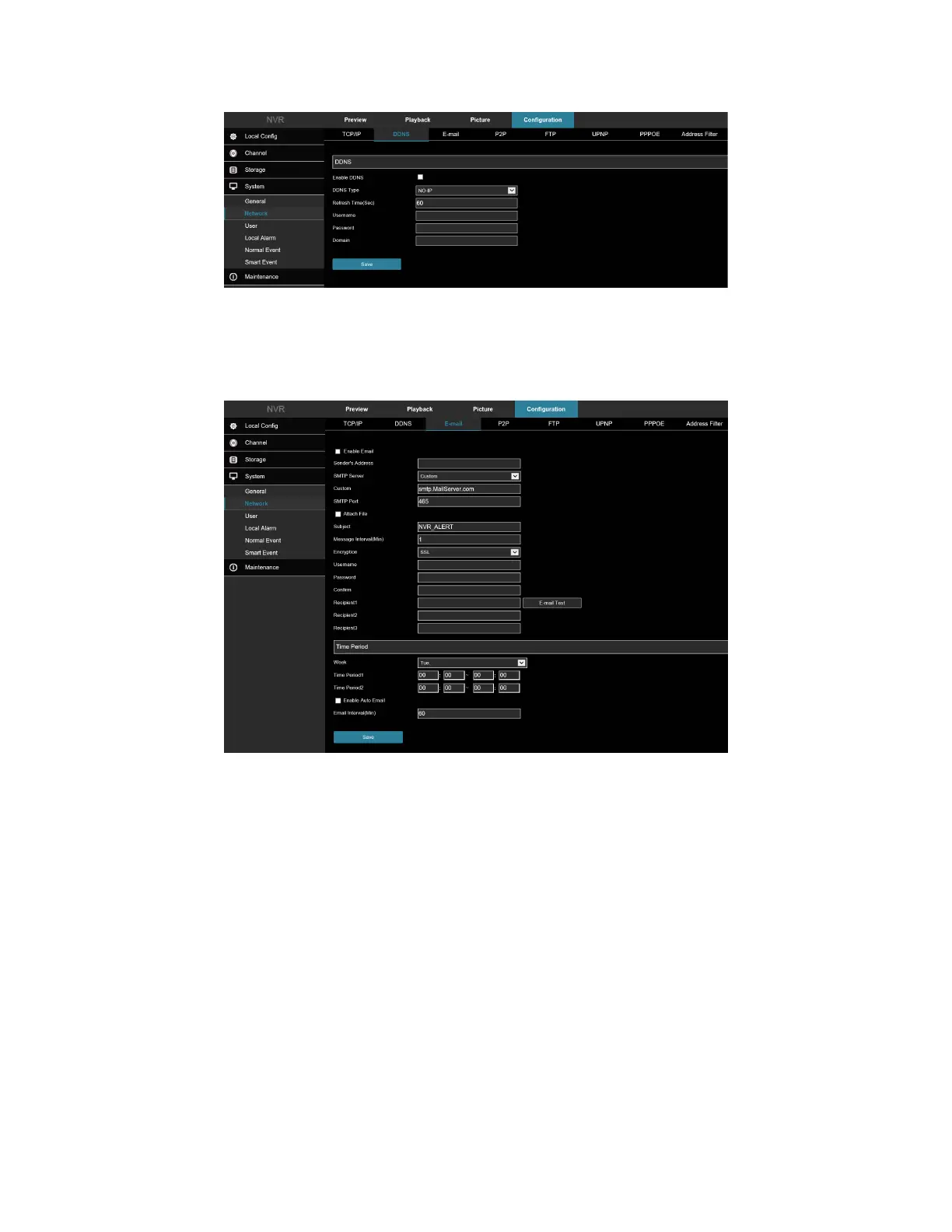
Figure 7-40
7.2.3 E-Mail
In the main interface, click Configuration → System → Network → E-mail to enter the email setting interface,
Figure 7-41. Here you can open and set the mail function.
Figure 7-41
7.2.4 P2P
In the main interface, click Configuration → System → Network → P2P to enter the P2P setting interface, Figure 7-
42. Here you can enable/disable the P2P function, check the serial number of the device, use the mobile phone to
scan the QR code to download the app.



 To Next Page