Chapter 3: Operate the system
46 Use a phone or fax machine
To transfer a call
When you receive a call, you can transfer this call to another phone
connected to the system.
How to transfer the incoming call to another phone or headset depends on
the type of phone. For analog 2-wire phones with an R key follow the
instructions listed below.
1. Press R 4 * <local number> #.
The phone with the local number you dialed starts to ring.
2. You now have two options.
• Hang up. The phone or headset you transferred the call to continues
to ring. When the call is answered, a connection is established
between the initial caller and the new recipient.
• Do not hang up. When the new recipient answers, you can have a
conversation before hanging up. When you hang up, the call is
handed over to the initial caller.
For information how to transfer a call using the AVIATOR Wireless Handset
see the user manual of the AVIATOR Wireless Handset.
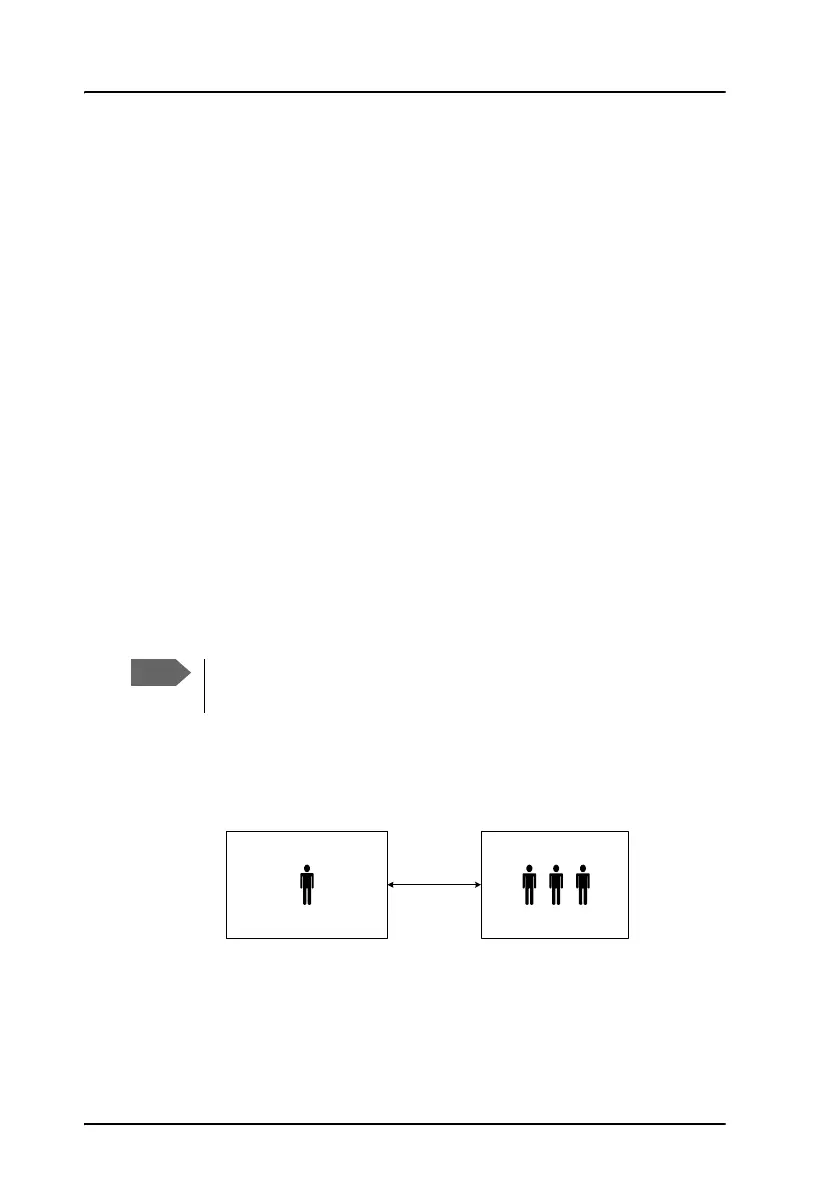
To make a multi-party call
How to make a multi-party call depends on the type of phone. For analog 2-
wire phones with an R key follow the instructions listed below.
The SwiftBroadband system only supports one circuit-switched
call at a time per AVIATOR 200/300/350 system.
Ground
Conference
Air
Phone call
(SwiftBroadband)
Conference call (SBU)



 To Next Page