Chapter 4: Using the web interface
98-129217-D Setting up the interfaces 89
With the web interface of the Thrane IP Handset you can access the internal settings of
the Thrane IP Handset. For further information, refer to the user manual for the Thrane IP
Handset.
The handset remains in the list after disconnecting. When the handset is connected again, it is
automatically recognized and ready for use.
Setting the call types for IP handsets
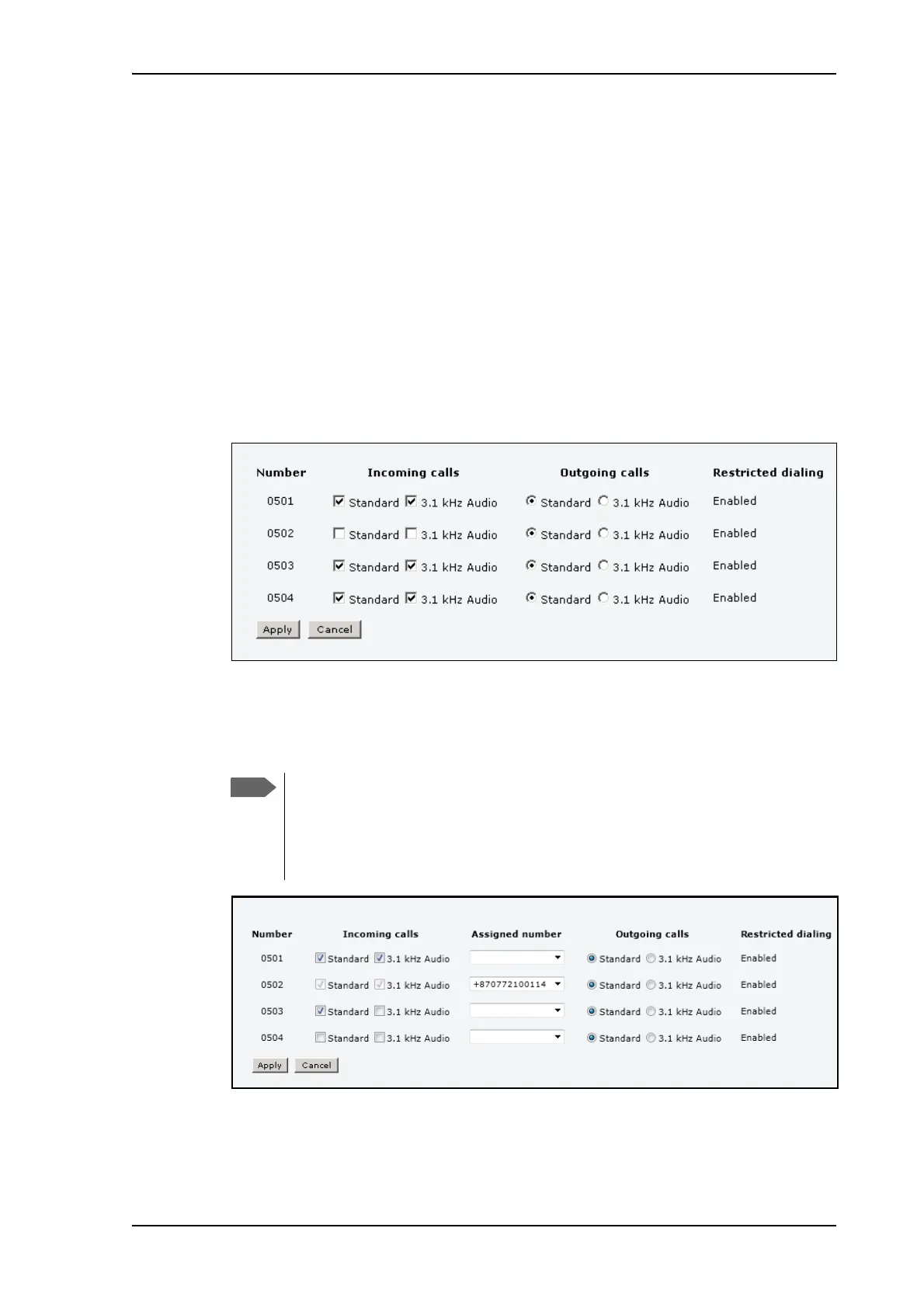
In the Call settings page you can set the call types for each local number and see whether
Restricted dialling is enabled for that number. For further information on Restricted dialling, see
Restricted dialling on page 115.
To set the call types for IP handsets, do as follows:
1. Select SETTINGS > IP handsets > Call settings.
2. If you have additional numbers from your airtime provider and you want to assign them to
the IP handsets, use the Assigned number drop down list to select the number you want
to use for each handset.
When this number is called, only the assigned handset will ring.
3. For each handset, select the call types you want to enable for incoming and outgoing calls.
The call types are described in more detail in Selecting the call type on page 26.
To be able to use the additional numbers, you must first
select Use additional numbers in the Multi-voice
page and enter the additional numbers under PHONE
BOOK > Mobile numbers. See Multi-voice on
page 116.











 To Next Page