Chapter 1: Introduction
User interfaces 7
1111
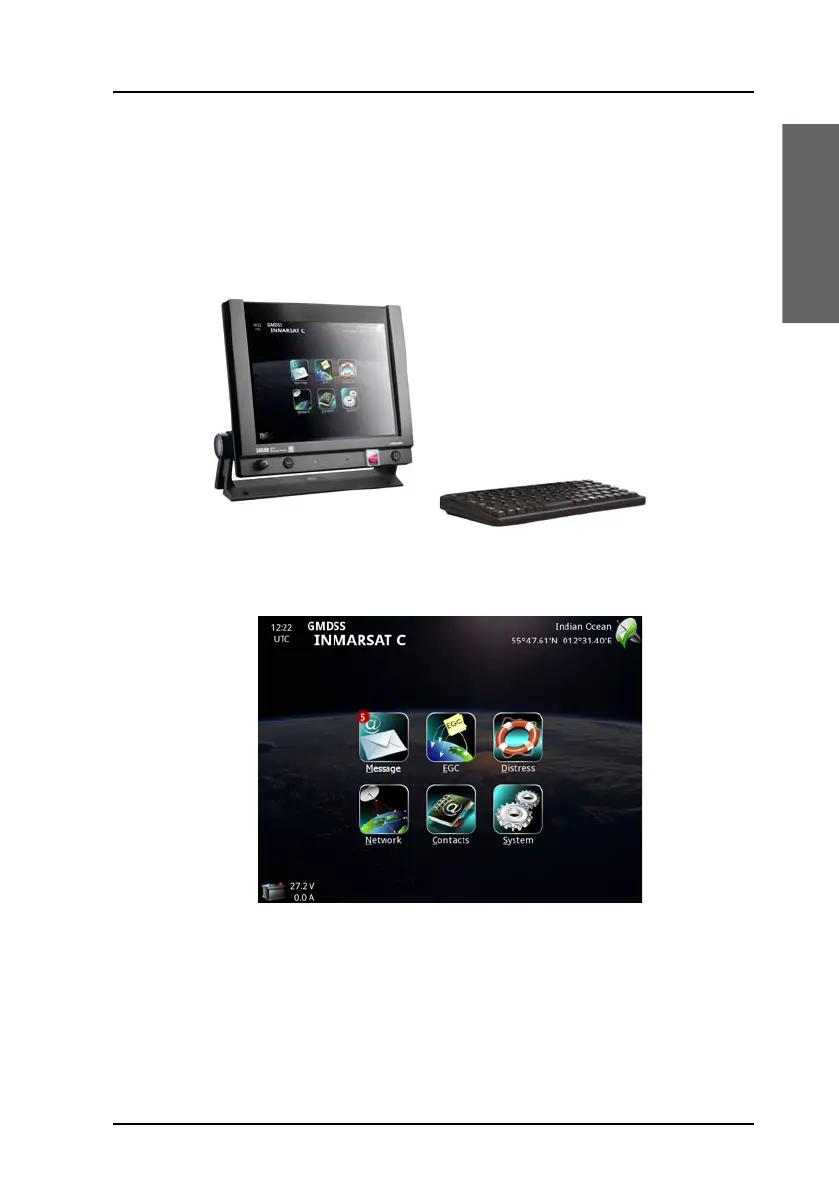
SAILOR 6018 user interface (for SAILOR 6150)
For the SAILOR 6150 Non-SOLAS system you can use the SAILOR 6018
Message Terminal. With the SAILOR 6018 Message Terminal you can send
and receive messages, send Distress alerts, view system status and
configure the system.
The SAILOR 6018 has a touch-screen for operating the system. You can
also use the SAILOR 6001 keyboard.
The SAILOR 6018 also has a Distress button, a Mute button, a Power button
and a Dim knob. For details on the buttons, see Buttons in the front panel
on page 23.
For details on how to use the SAILOR 6018, see SAILOR 6110 mini-C
GMDSS, User manual [2]. To get started with the mini-C system, see Get
started on page 13.









 To Next Page