Chapter 3: To use easyMail
View or change position information 49
3333
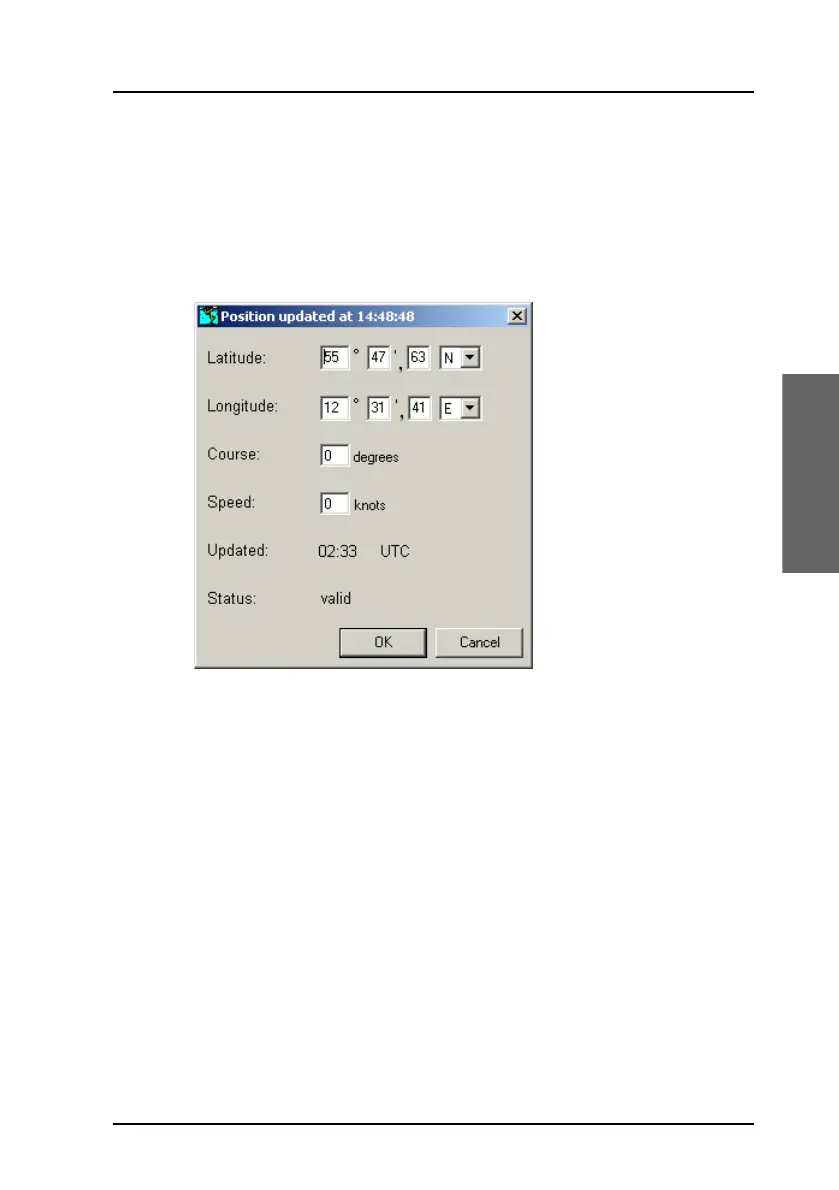
View or change position information
To view or change your current position information, course and speed, do
as follows:
1. select View > Position info.
2. If there is no synchronization with the positioning system, you can
enter a manual position, course and speed.
3. Select OK.
The manually entered position data will be used by the system until the
automatic position data is available again.









 To Next Page