Chapter 3: To use easyMail
42 Position reporting
Position reporting
For general information on the position reporting service, see Position
reports on page 11.
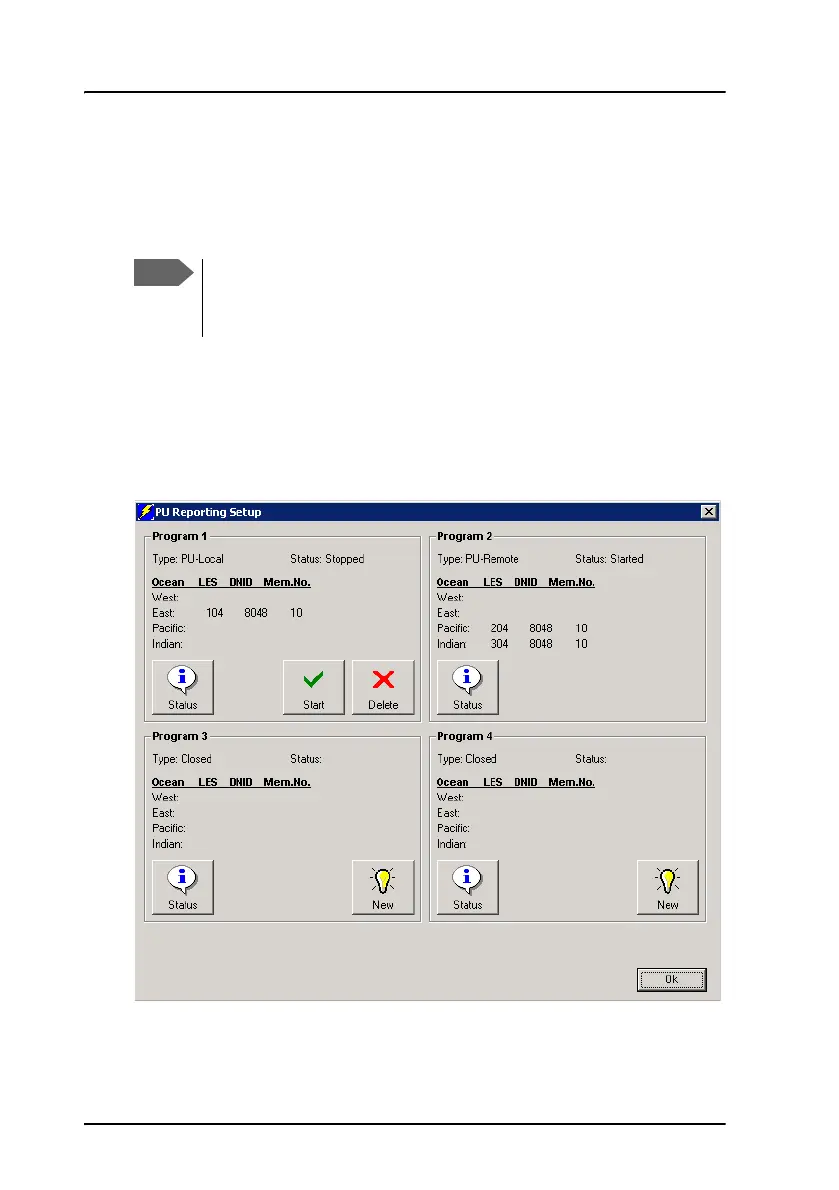
To access the PU reporting setup page, Select:
Messaging > Position reporting.
The PU (Position Unreserved) reporting setup window shows the position
reporting programs for the SAILOR 3027. For each program you can see the
status and whether it is a local or remote program.
To be able to use the position reporting feature, a DNID must be
downloaded and enabled in the SAILOR 3027. See Set up ENIDs
on page 53.









 To Next Page