Chapter 3: To use easyMail
Set up easyMail 63
3333
Set up easyMail
To change message setup
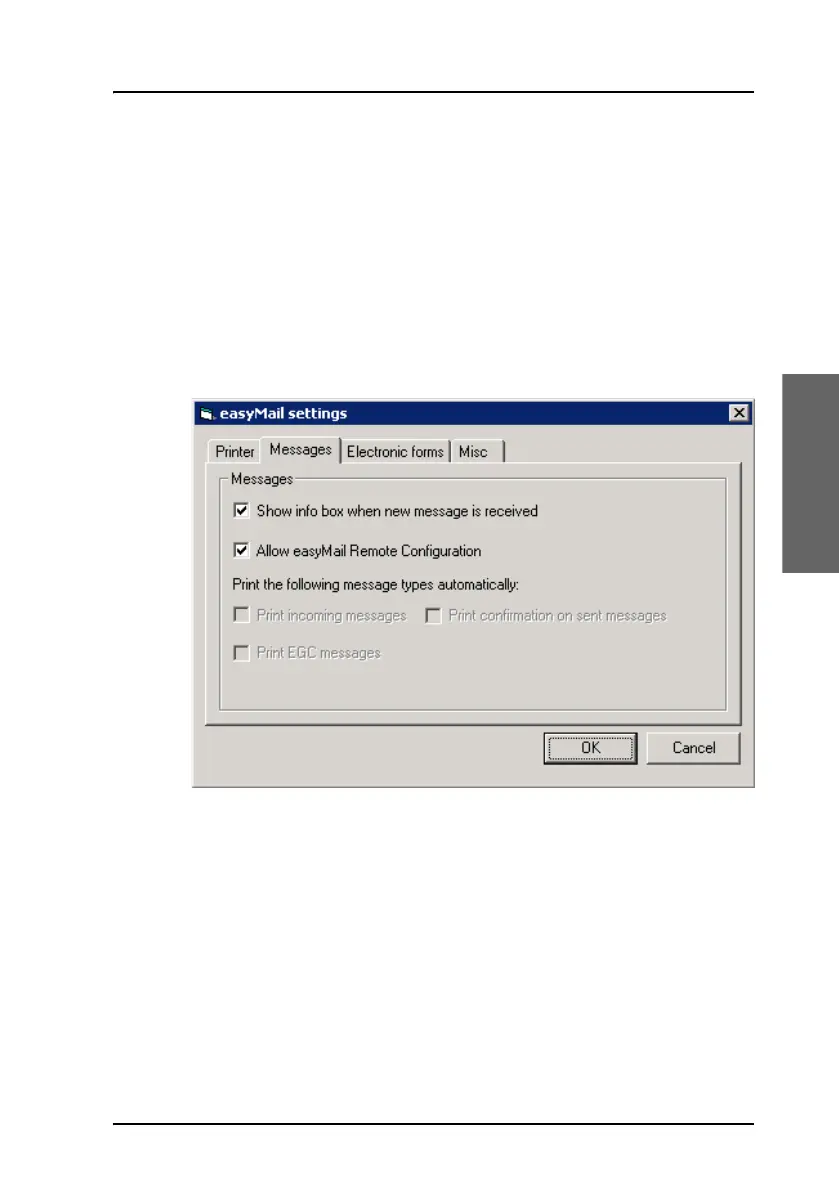
You can set up some general settings for messages in the Messages tab. Do
as follows:
1. Select Setup > Settings.
2. Select the Messages tab.
3. If you want to get an info box when a new message has arrived, select
Show info box when new message is received.
4. If you want to allow configuration of easyMail from a remote location,
select Allow easyMail Remote Configuration.
Selecting this option enables an authorised remote user to configure
certain parts of easyMail using a special kind of message sent to your
mini-C system.
5. If you have a printer connected, select the message types you want to
print automatically (if any).









 To Next Page