Chapter 3: To use easyMail
54 Set up the Land Earth Stations (LES)
Set up the Land Earth Stations (LES)
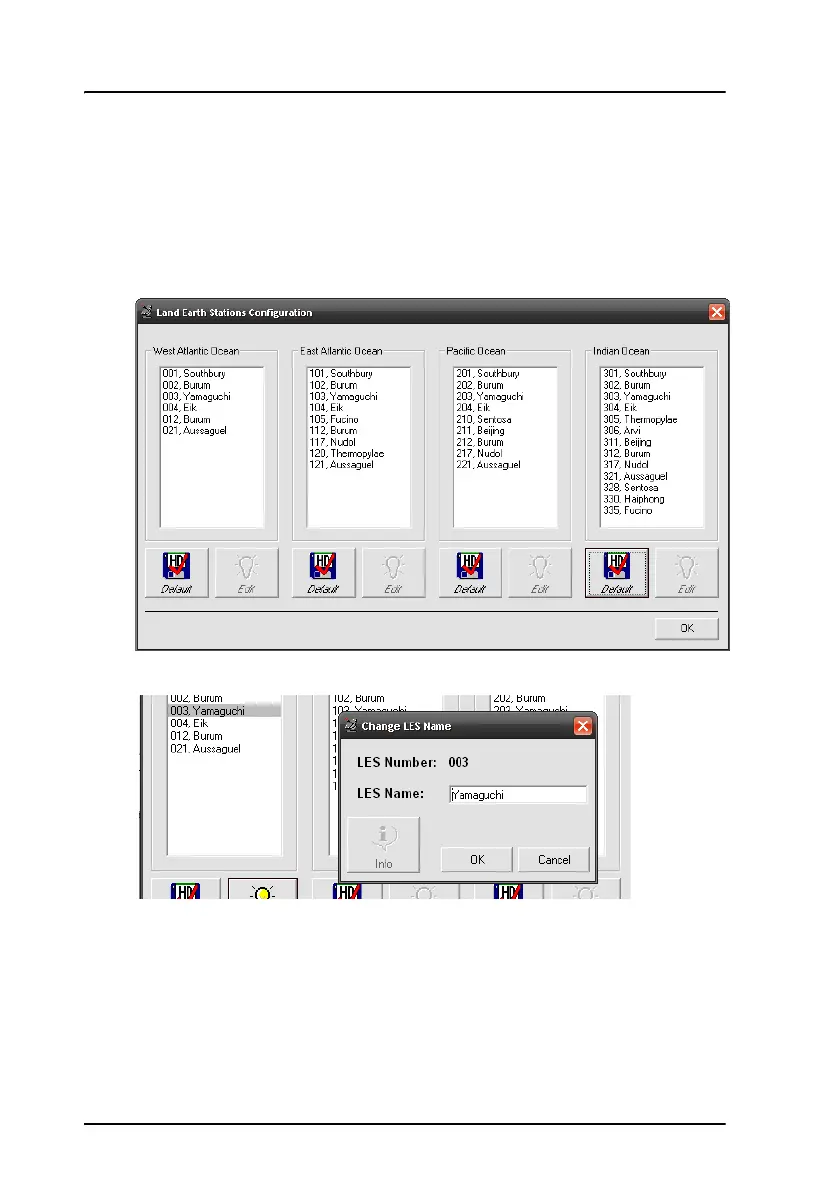
To view or edit the list of Land Earth Stations for each ocean region, do as
follows:
1. Select Setup > Land Earth Stations (LES).
2. Select a LES and click Edit.
3. If necessary, type in the new name of the LES.
4. Click OK.
5. To use default LES numbers and names for an ocean region, click the
Default button and click Yes.
6. Click OK to exit.









 To Next Page