Chapter 3: To use easyMail
Set up PC communication with the SAILOR 3027 61
3333
Set up PC communication with the SAILOR
3027
To connect a computer to the system you must use a SAILOR 6194
Terminal Control Unit. You can connect the computer to the LAN interface
or the RS-232 interface on the SAILOR 6194.
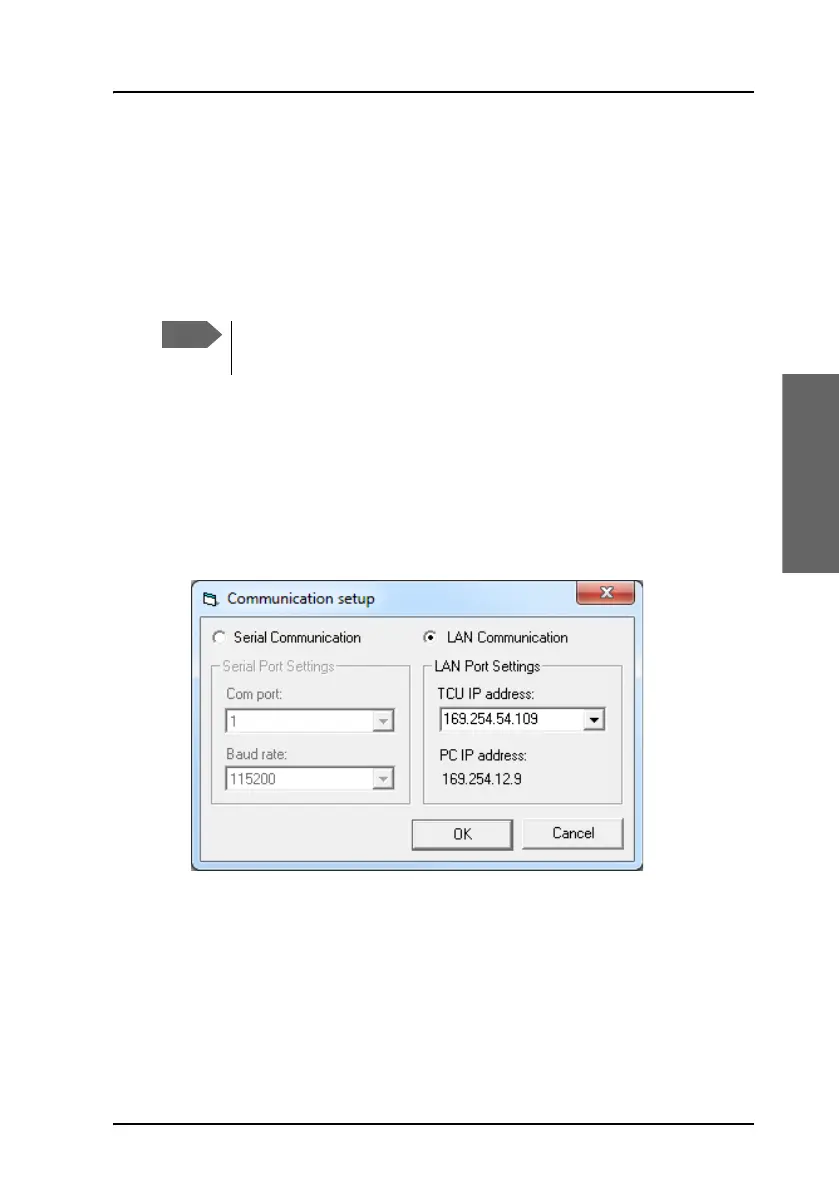
To set up LAN communication
easyMail should connect automatically to the SAILOR 6194/SAILOR 3027.
If not, set up the LAN communication as follows:
1. Select Setup > Communication setup.
2. Select LAN communication.
3. Select the IP address of the SAILOR 6194 Terminal Control Unit (TCU)
from the drop-down list.
PC IP address: Shows the IP address of your PC.
4. Click OK.
easyMail now tries to establish a connection to the SAILOR 6194 and
thereby the SAILOR 3027. When the LAN connection is established the
PC connection bar at the top of the easyMail window turns green.
The Communication setup is not accessible when the computer
has established a connection with the SAILOR 3027.









 To Next Page