Chapter 5: Service
Status signalling in SAILOR 6018 75
5555
Status signalling in SAILOR 6018
The SAILOR 6018 can show basic status and error messages. When an error
occurs in the system, check the SAILOR 6018 for information first.
Status information in SAILOR 6018
The upper right corner of the display shows the most important status
information. You can also enter the individual pages from the main menu to
see more detailed status information.
Information of events
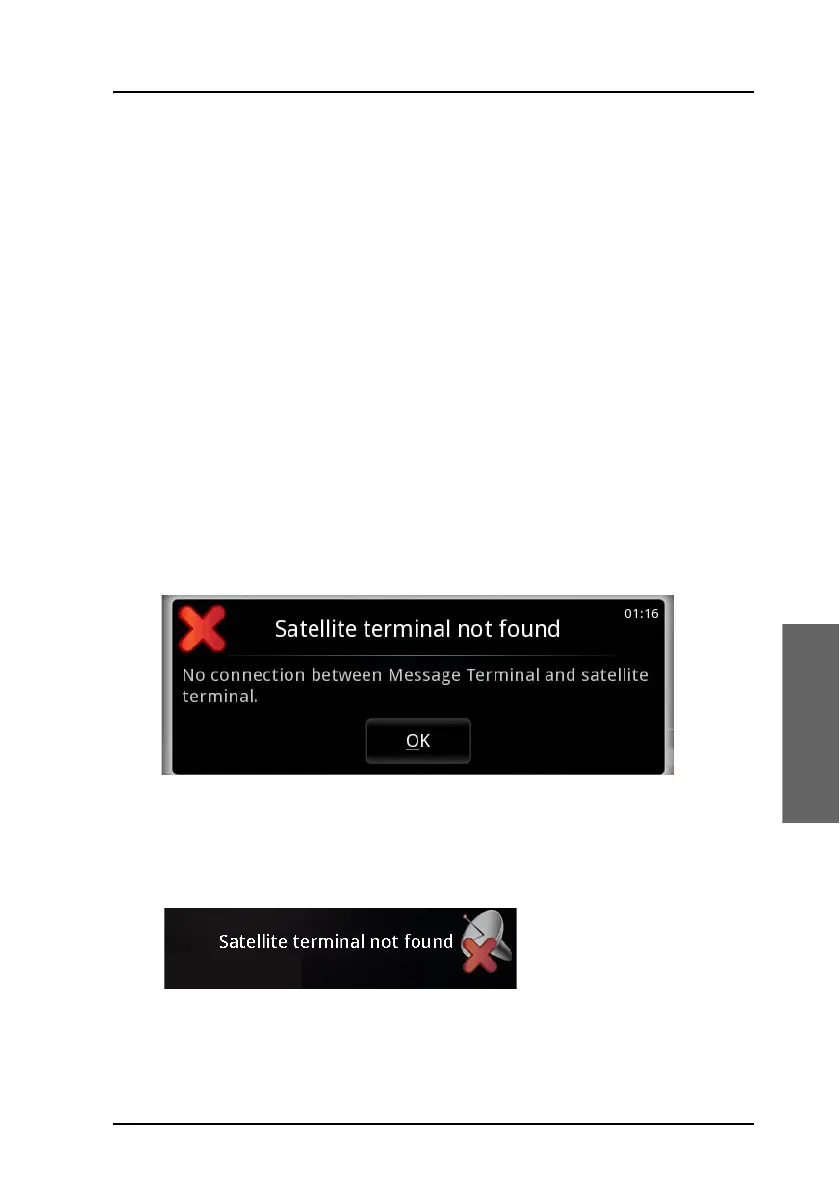
Popup windows
When an event requires your attention, a popup window appears.
Example:
When you have read the text, select OK to close the window.
If the window indicates an error that requires your action, the warning or
error icon will stay in the top right corner of the display as long as the
problem persists.









 To Next Page