Chapter 3: To use easyMail
52 Set up reception of EGCs
Set up reception of EGCs
For general information on EGCs, see Enhanced Group Call (EGC) on
page 10.
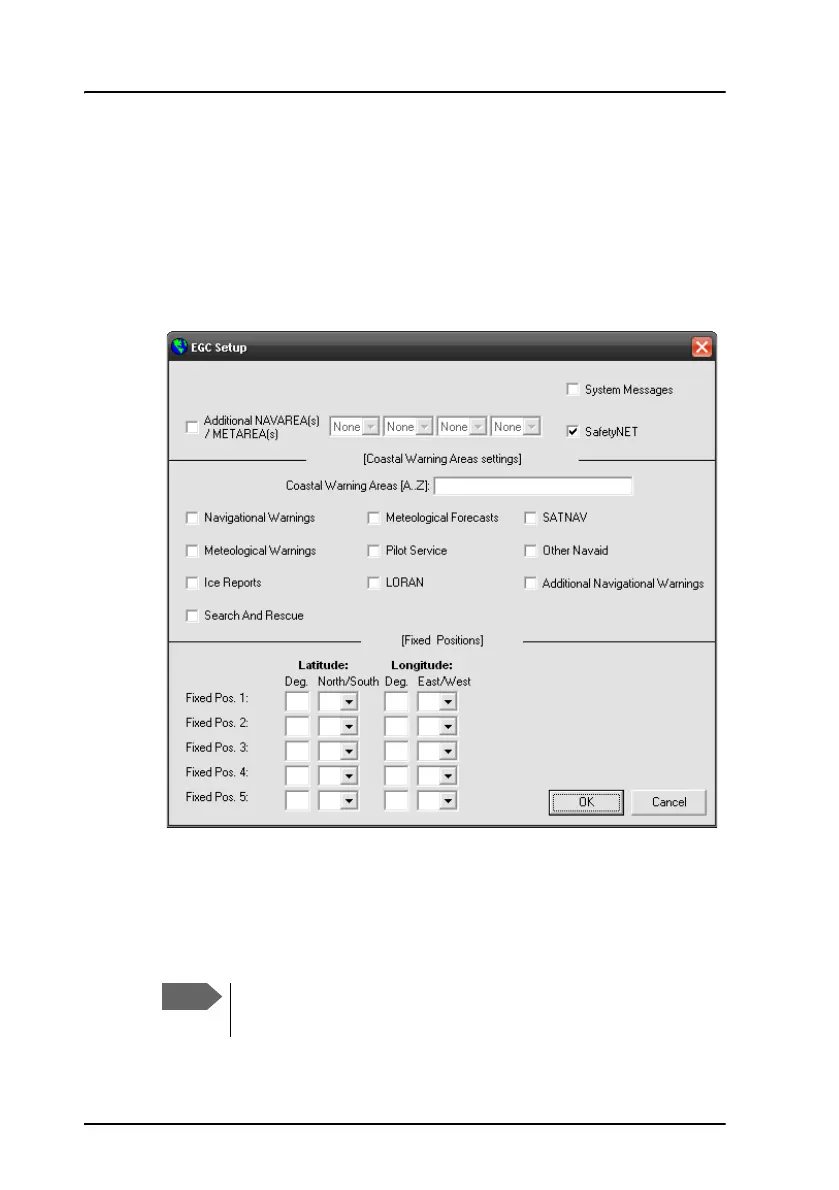
To set up reception of EGCs, do as follows:
1. Select Setup > EGCs.
2. To set up the additional areas from which you want to receive
meteorological or navigational EGCs, select Additional NAVAREA(s)
/METAREA(s).
Then select the numbers of the areas from which you want to receive
EGCs, and select OK.
You always receive EGCs from the area in which you are
located. The areas selected here are additional areas.









 To Next Page