Chapter 2: Get started
18 Start up the system
Start up the system
easyMail
When the power source is on, the SAILOR 3027 automatically starts up and
logs on to the satellite network.
You can see the logon status on screen on a connected computer with
easyMail installed.
SAILOR 6018 (for SAILOR 6150 Non-SOLAS system)
Power the system
When all units are connected correctly and you have registered the SAILOR
3027, do as follows to power the system:
1. Make sure the power source is on.
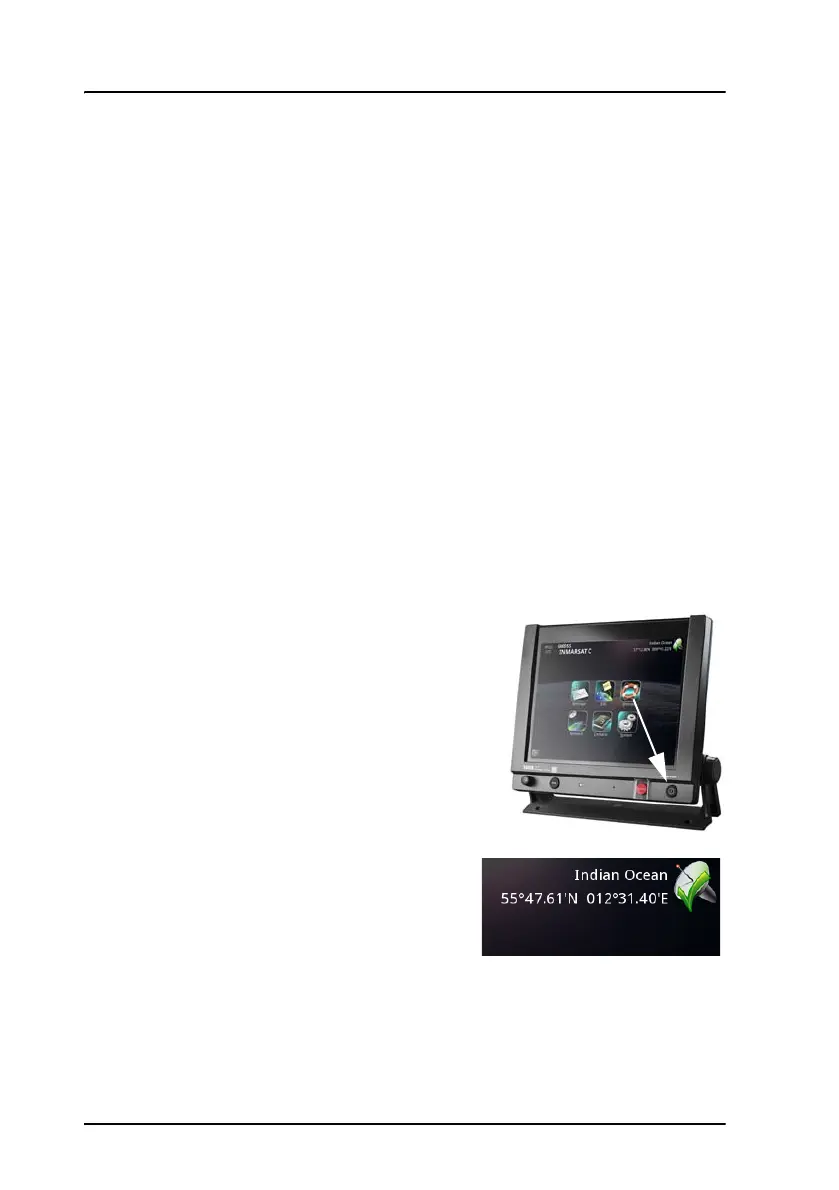
2. Switch on the SAILOR 6018.
• Use the power switch in the right
side of the SAILOR 6018, or
• if you have installed a remote
on/off switch, use that instead.
The SAILOR 6018 starts up and sends a
signal to switch on the SAILOR 3027. The
SAILOR 6018 shows the current status in
the upper right corner of the display.
For an overview of the user interface, see Overview of the screen on
page 24.









 To Next Page