Chapter 5: Service
74 Status signalling in easyMail
Status signalling in easyMail
Status information
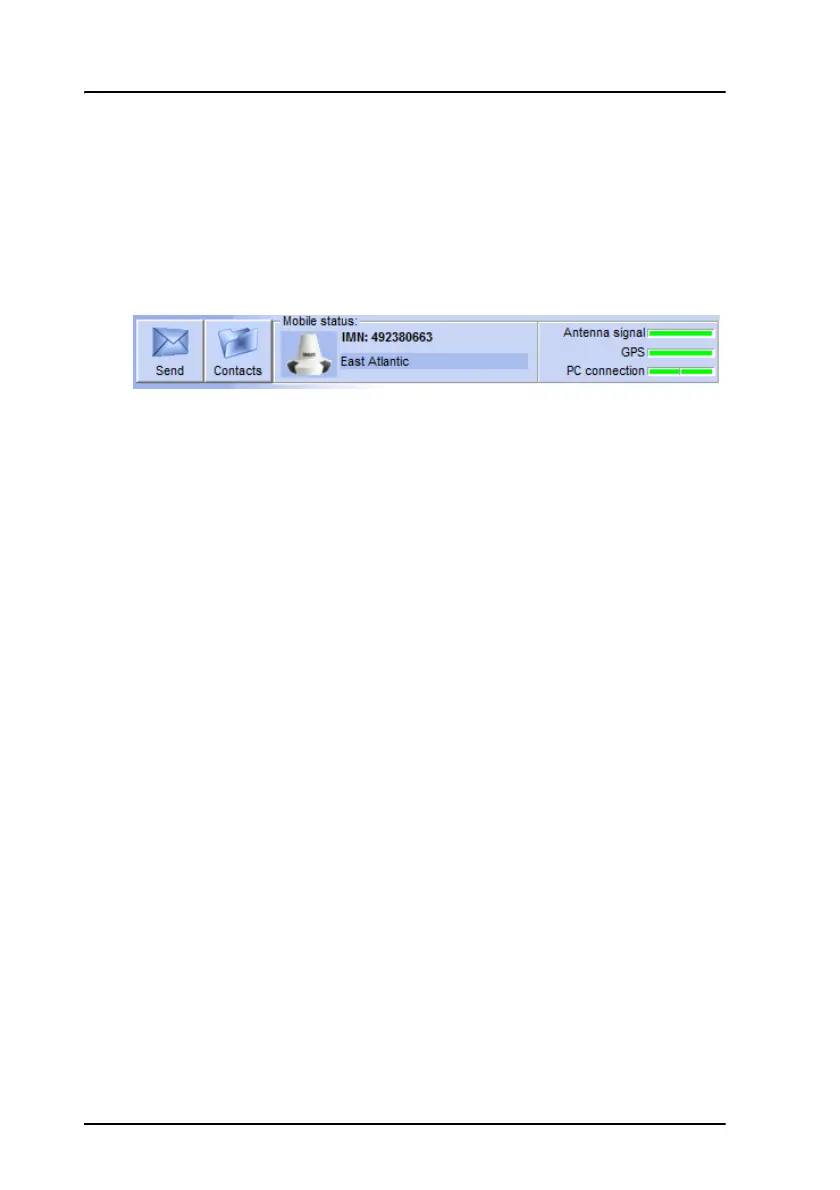
The top of the display shows the most important status information.
You can click each status area to get details, or use the View menu to enter
the status pages.
Information of events
Popup windows
When an event requires your attention, a popup window appears.
When you have read the text, select OK to close the window. The latest
event is shown in the info bar at the bottom of the page and is added to the
information log.
Information log
To see the information log, select View > Info log.
The log shows the events that are registered in your mini-C system.









 To Next Page