Chapter 3: To use easyMail
46 Network status and settings
Network status and settings
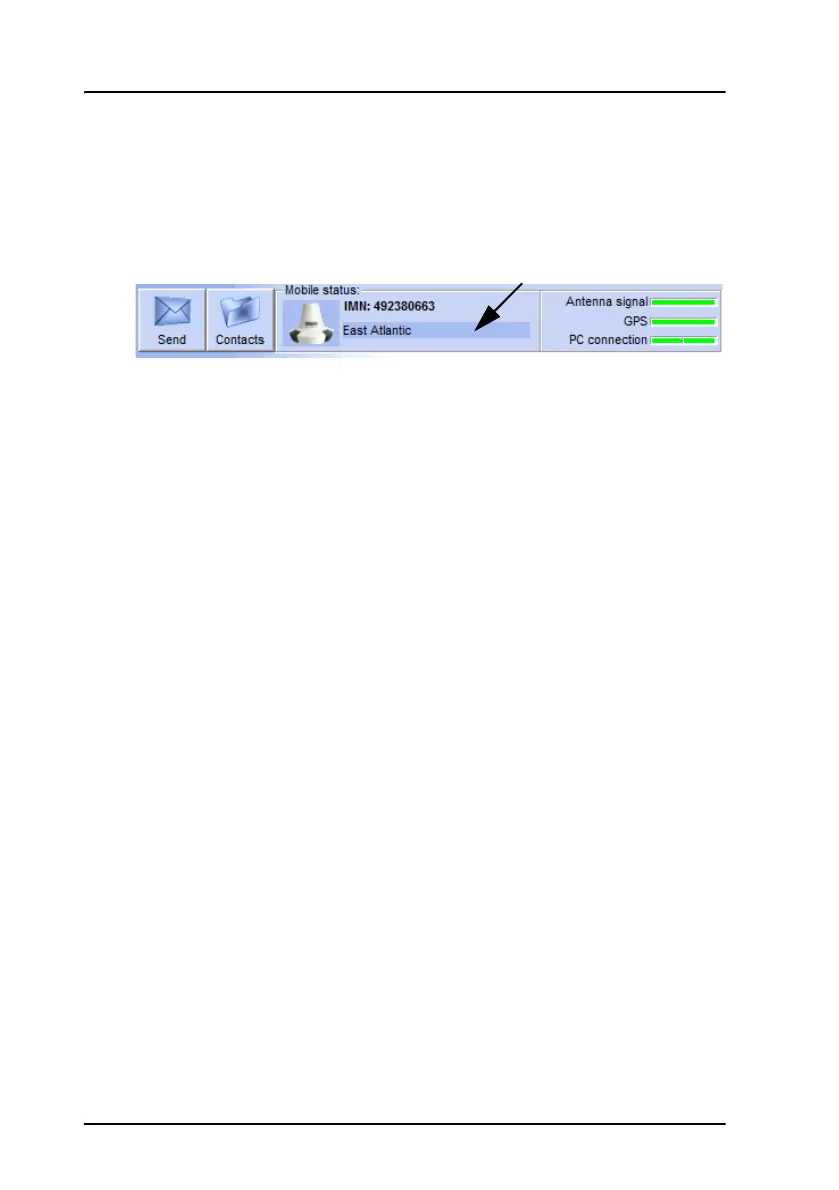
The Mobile status field at the top of the page shows the status of the
network connection. When the SAILOR 3027 is logged in to the network,
this field shows the ocean region to which the SAILOR 3027 is logged in.
Log into and out of the network
To log into the Inmarsat C network, select Actions > Login and select the
Ocean region you are logging into.
If you want to use the preferred ocean configured in the SAILOR 3027, or
simply the region with the best signal, use Scan preferred ocean instead
(see the next section).
To log out of the network, select Actions > Logout.
Scan the network
If you want the system to find the best signal, select Actions > Preferred
ocean > Scan preferred ocean. The system will then scan for the best
signal and log in.
If an ocean region is selected under Set preferred ocean, the system will
scan the selected ocean first.
Set the preferred ocean region
If you want the system to generally use a specific ocean region, select
Actions > Preferred ocean > Set preferred ocean and select the ocean
region you want to use. If you select None, the scanning process will use
the ocean region with the best signal.
The selected ocean region is used when you select Actions > Preferred
ocean > Scan.









 To Next Page