Chapter 2: Get started
User interfaces 17
2222
For details on how to use the SAILOR 6018, see SAILOR 6110 mini-C
GMDSS, User manual [2].
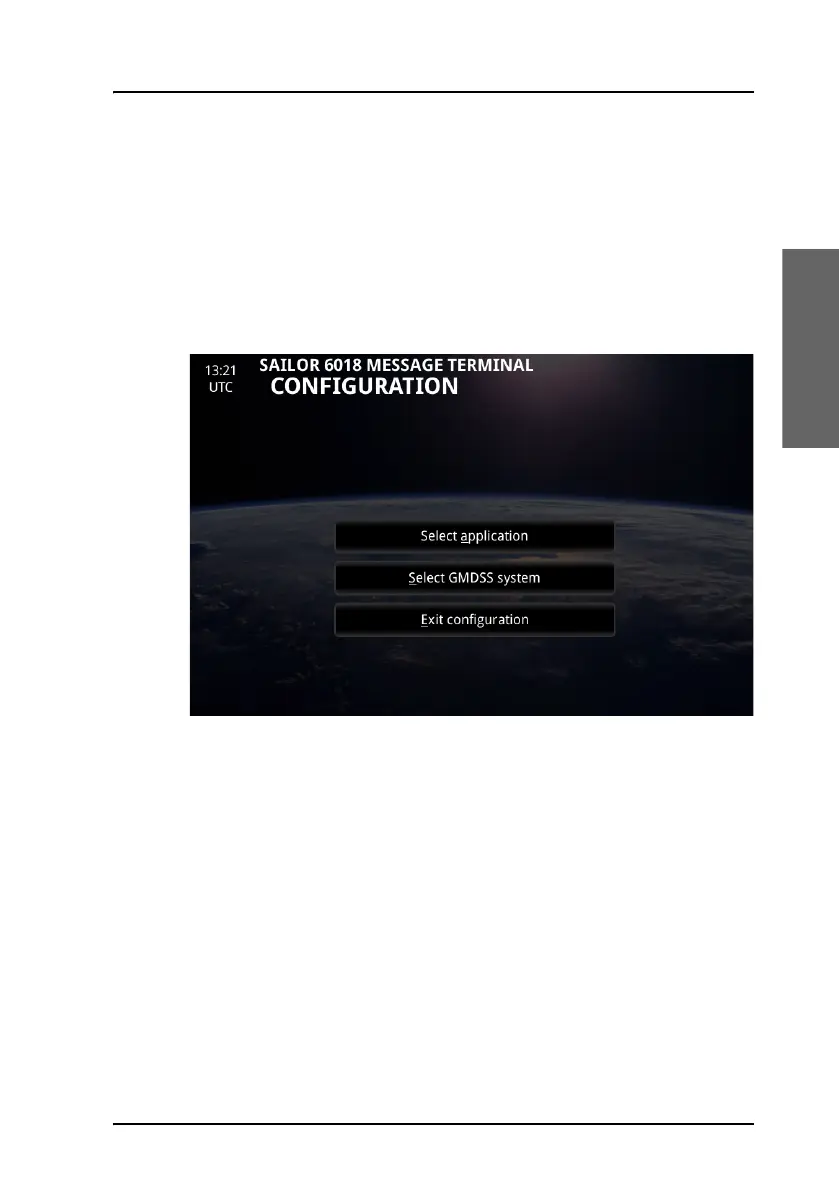
If, at a later stage, you want to switch between the Radiotelex and Inmarsat
C applications, do as follows:
1. During startup of the SAILOR 6018 and before the main screen appears,
push the Mute button.
The CONFIGURATION page opens.
2. Select Select application.
3. Select the application you want to use and tap Store.
4. Select Exit configuration.









 To Next Page