Chapter 2: Get started
16 User interfaces
SAILOR 6018 Message Terminal
The SAILOR 6018 has its own built-in user interface. If you are using a
SAILOR 6018 with your SAILOR 6150 Non-SOLAS system, you must config-
ure the SAILOR 6018 before using it for the first time.
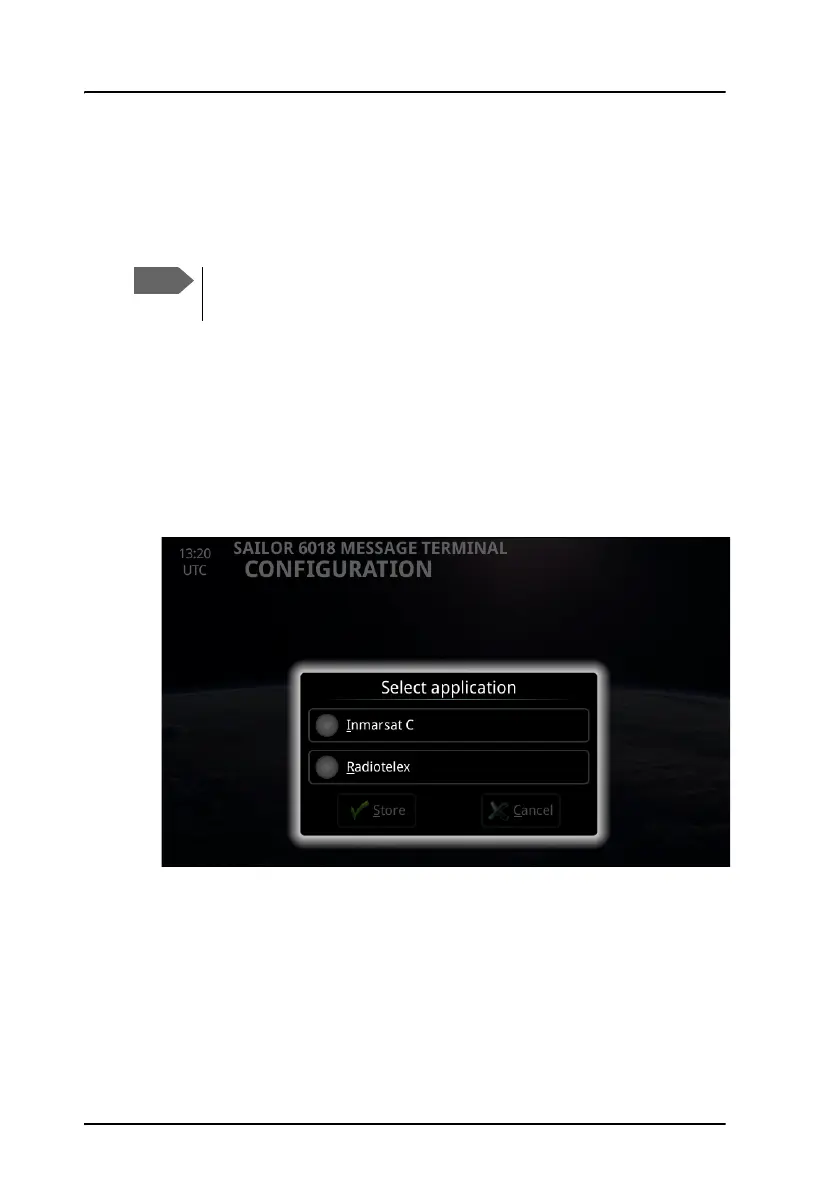
To select the Inmarsat C application
The first time the SAILOR 6018 is switched on, you are asked to select
which Message Terminal application to use. The SAILOR 6018 Message
Terminal can run Radiotelex or Inmarsat C.
1. At the first startup, the SAILOR 6018 opens the Select application
page.
2. Select Inmarsat C and tap Store.
When you have selected and stored Inmarsat C, the SAILOR 6018
automatically restarts with the Inmarsat C application. For information on
how to send Distress alerts, see Distress alert with SAILOR 6018 on
page 67.
The initial configuration may already have been done during
installation of the system. If so, you can skip this section.









 To Next Page