Chapter 2: Get started
User interfaces 15
2222
Access your SAILOR 3027 with easyMail
1. Acquire a SAILOR 6194 Terminal Control Unit, if it is not already part of
your system.
2. Connect your SAILOR 3027 to the CAN interface on the SAILOR 6194
Terminal Control Unit.
3. Connect a computer to the RS-232 port or the LAN port of the SAILOR
6194 Terminal Control Unit.
Refer to SAILOR 6194 Terminal Control Unit, Installation and user
manual [4] for information on how to connect and set up the interfaces.
4. Start the application from the easyMail shortcut on the desktop, or
from Start menu.
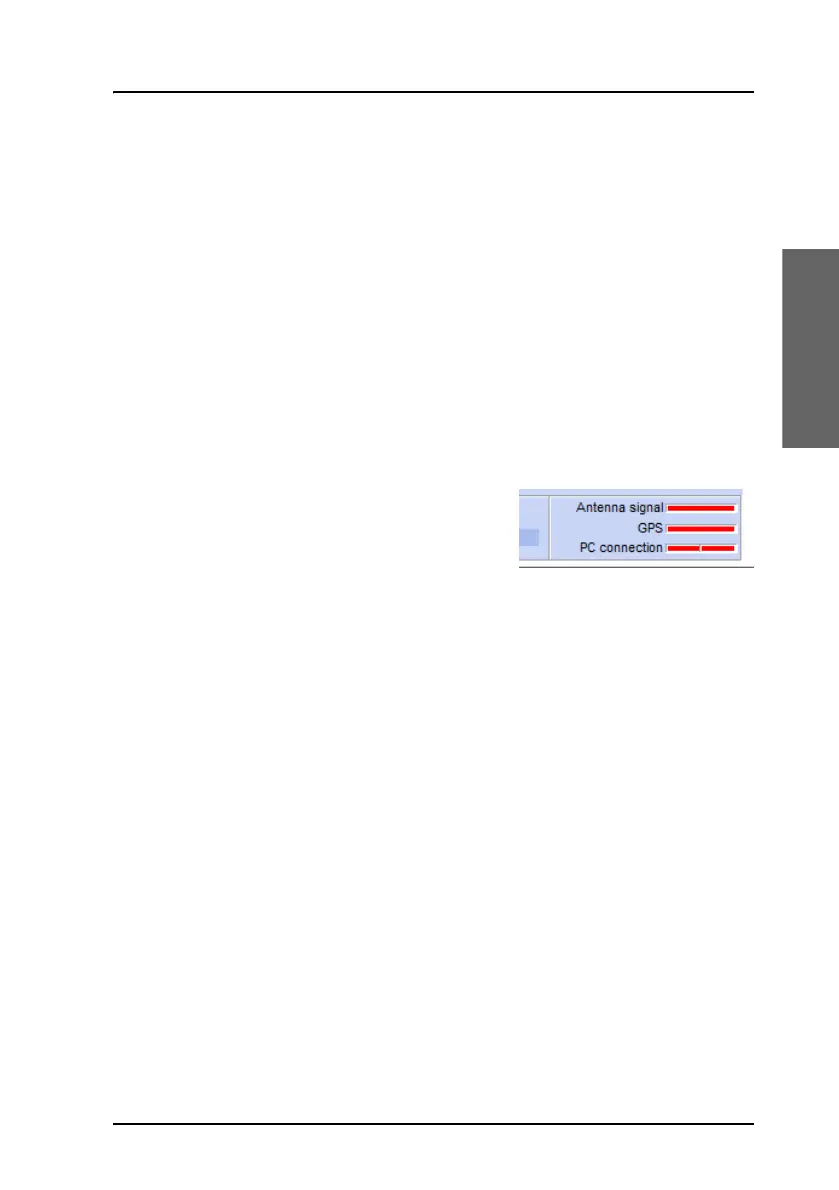
5. If the PC connection is not already set
up (the PC connection bar is red), see
Set up PC communication with the
SAILOR 3027 on page 61.
When all three bars are green, you can use the easyMail application to set
up and control the mini-C system, send and receive messages etc. See To
use easyMail on page 21.









 To Next Page