Chapter 3: To use easyMail
Position reporting 43
3333
To start a local position reporting program
To start a program that is already defined, do as follows:
1. From the PU Reporting Setup page, click the Start button at the
program you want to start. The Start button becomes a Stop button
.
The SAILOR 3027 will now start sending position reports from the
defined start time with the defined intervals until you stop it with the
Stop button.
2. Click OK.
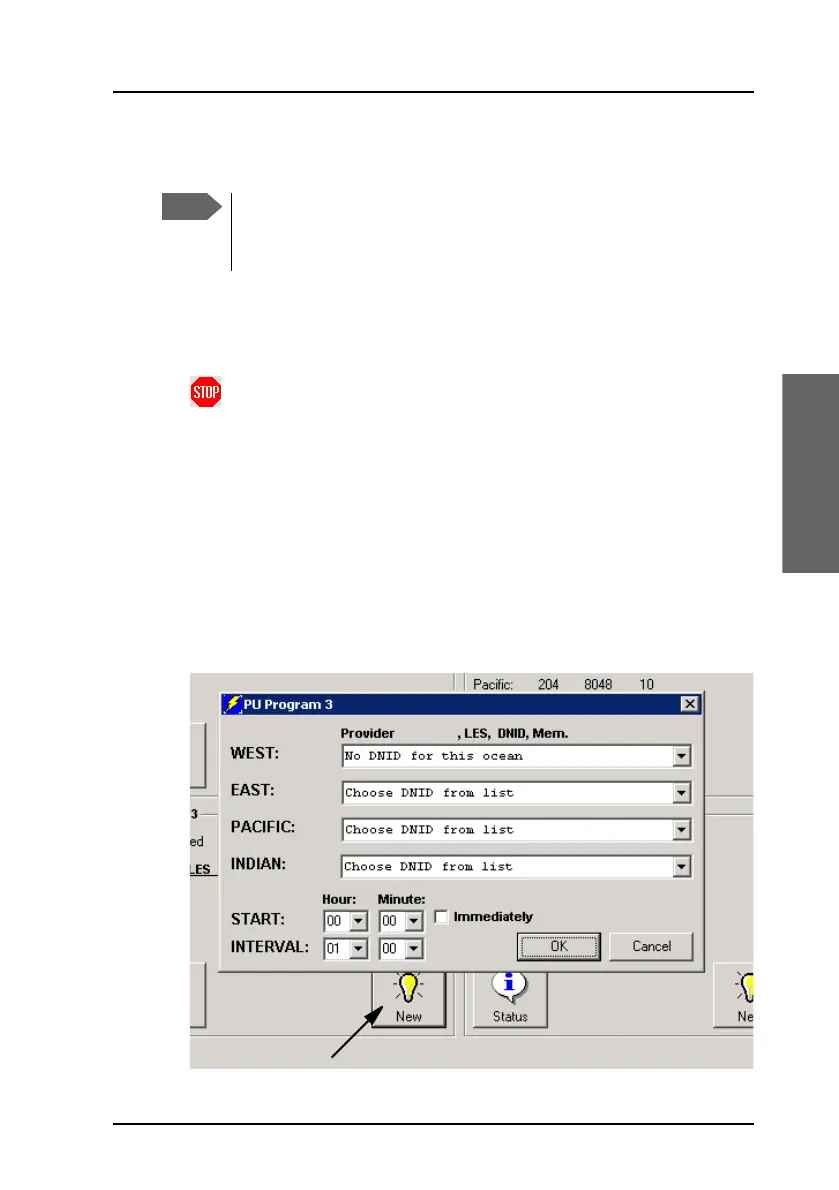
To define a new position reporting program
To define a new local program, do as follows:
1. From the PU Reporting Setup page, select New.
Only local position reporting programs can be managed locally.
You can see the remotely configured programs as well but you
cannot change them.









 To Next Page