Chapter 4: To use Distress and SSA buttons
70 To send a Ship Security Alert (SAILOR 6120 only)
To send a covert Ship Security Alert (SSA)
To send a covert SSA, do as follows:
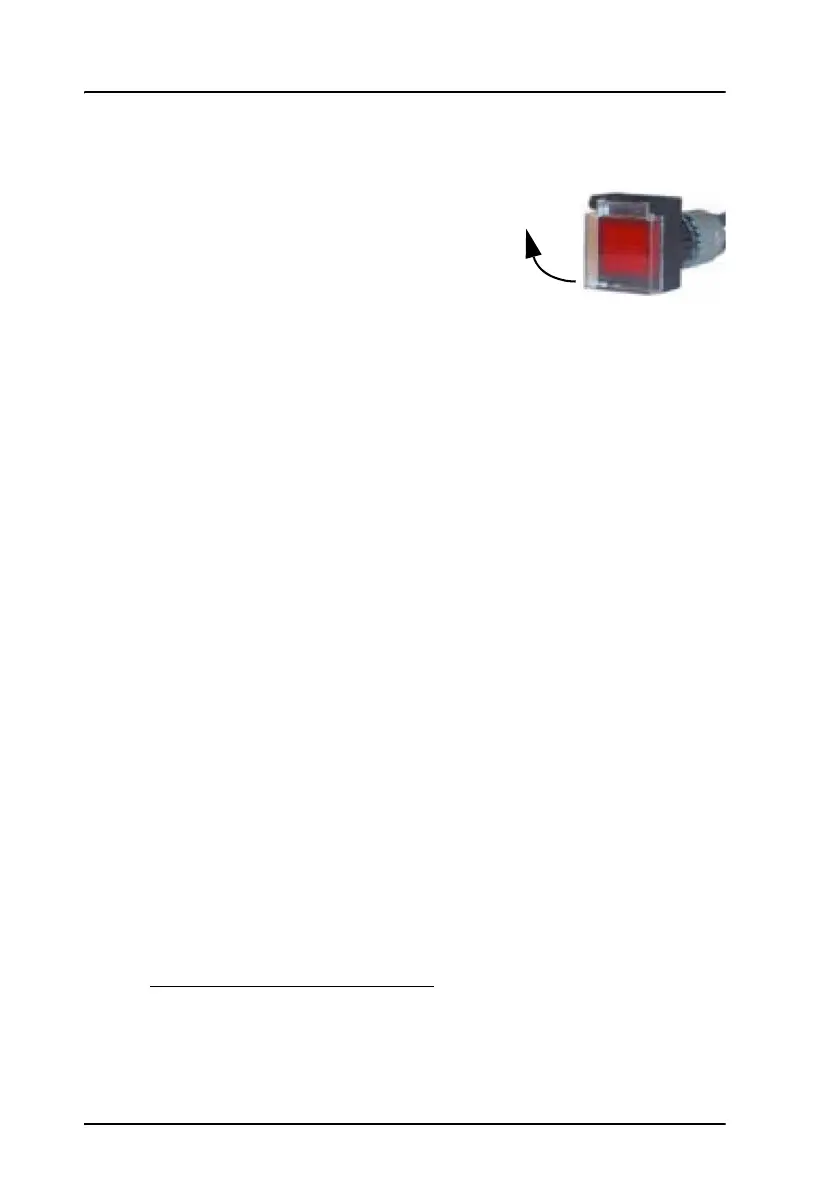
1. Open the cover for the red covert alert
button.
2. Push the button.
• Instant activation button: When pushed, an alert is sent
immediately to the configured SSA recipient(s).
• Standard activation buttons: When pushed, an alert is sent after
30 – 33 seconds. If released (pushed again) within the 30 seconds,
the alert is not sent.
3. An SSAS message is now sent every 30 minutes until you stop it.
4. To stop sending SSAS messages:
• Instant activation button: Send an SSAS test message (push test
+ push SSAS within 30 seconds)
• Standard activation button: Release the button (push the button
again)
To use the green or yellow test button
The green or yellow button is a test button with a lamp. The button has
momentary action (closed only as long as the button is pressed and held).
When the system is operational
1
, the test button is permanently lit. When
the test button is pressed the light switches off and the covert alert buttons
can be pressed without sending any alerts. If a covert alert button is pressed
for 30 – 33 seconds during test, an SSA Test Message is sent to all
recipients configured to receive test messages.
1. “Operational” means the following criteria are met: GPS fix obtained, logged
in, recipient(s) of covert alert configured, all SSA buttons connected
correctly.









 To Next Page