Comau Robotics Product Instruction
54
ROBOT CONFIGURATION CUSTOMIZATION
The following parameters are assigned by default:
–on e.DO:
•IP address 10.42.0.49
•Subnet Mask 255.255.255.0
–on Desk Simulator:
•IP address 10.42.0.40
•Subnet Mask 255.255.255.0
•Gateway 10.42.0.40
In case of changes to IP addresses, take into consideration the following:
–the IP addresses of e.DO and the Desk Simulator must be different, but
belonging to the same subnet;
–DHCP is not present;
–in the previous steps t. t. and v. of the procedure it will be necessary to
enter in the “IP address” and “Gateway” fields the IP address of the Desk
Simulator corresponding to what has been set/changed.
Example of configuration with address modification:
–on e.DO:
•IP address 192.168.0.100
•Subnet Mask 255.255.255.0
–on Desk Simulator:
•IP address 192.168.0.101 (or any IP address belonging to the subnet,
except for 192.168.0.100 already used on e.DO)
•Subnet Mask 255.255.255.0
•Gateway 192.168.0.101
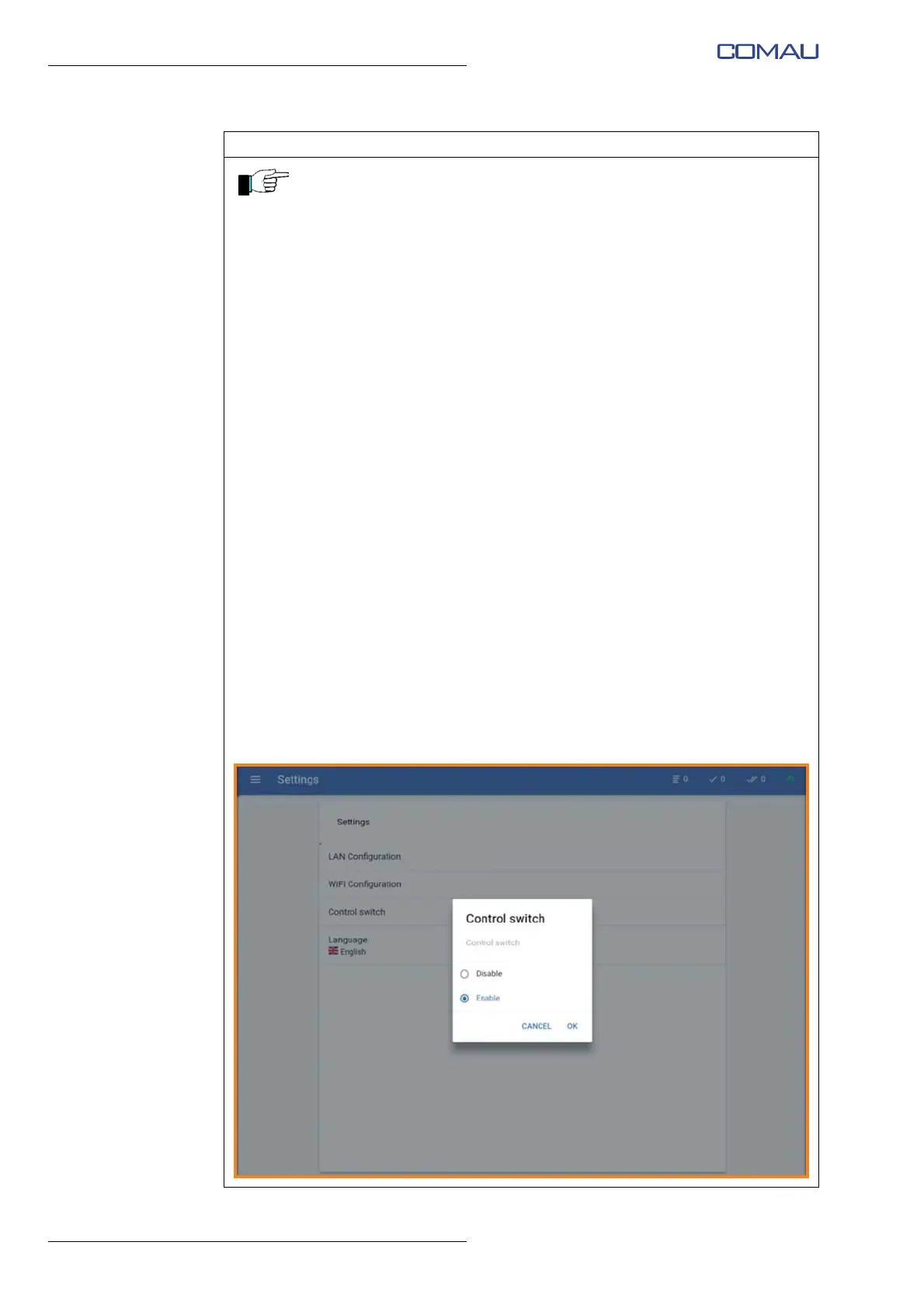
w. From the tablet, enable the Robot control through the Teach Pendant by
accessing the “Settings” Menu, then the Control switch page and selecting
“Enable” item, as described in the User Manual.
Operating procedure (Continued)





 To Next Page