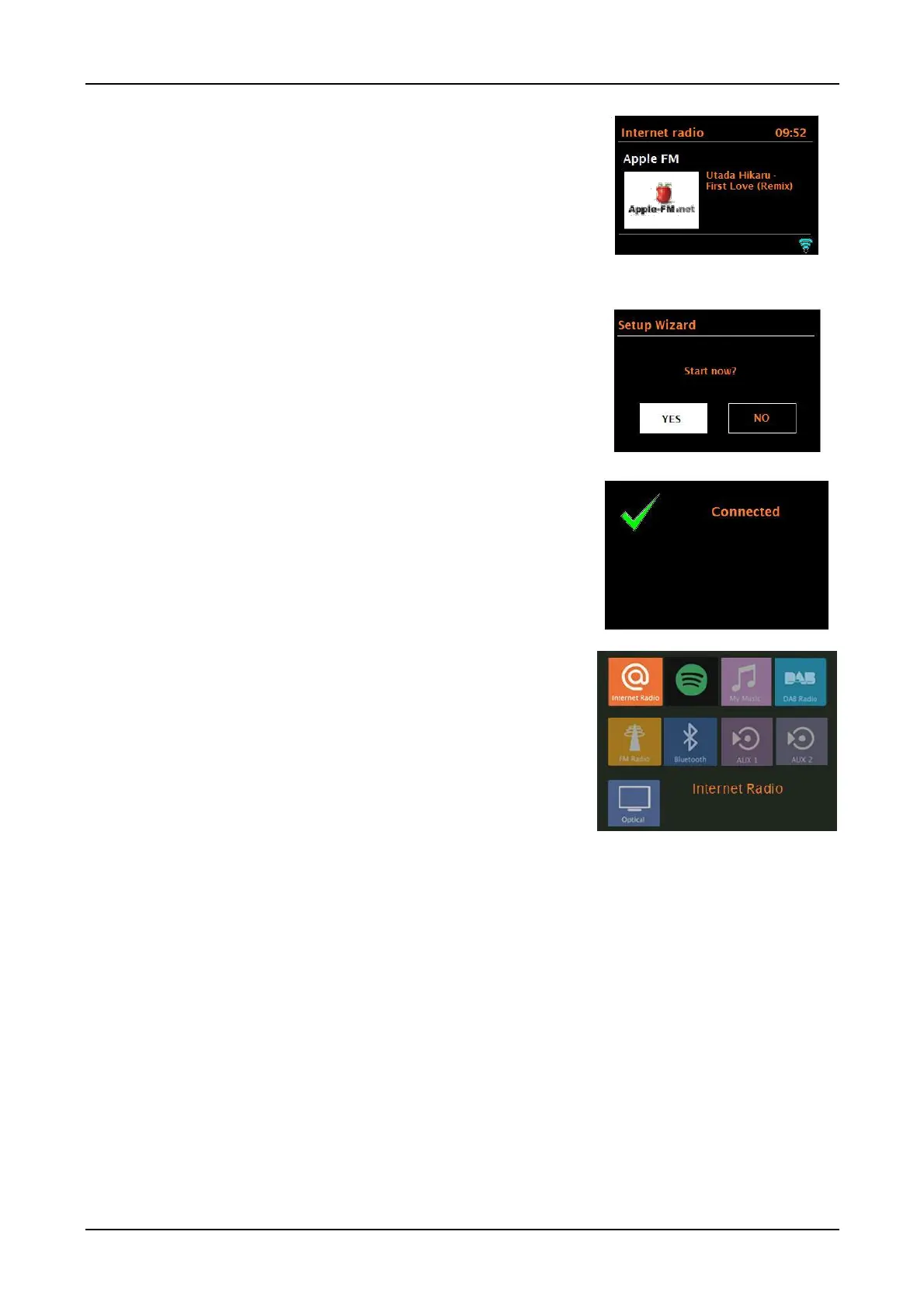
Now playing screens show information about the
audio source and track now playing, where available.
When artwork is displayed, such as an album cover or
station logo, push the Menu knob in briefly to expand
the image to fill the display. Push in briefly again to
return to the standard display.
Dialogue screens are shown to allow you to change
settings. They vary in complexity from simple Yes/No
options to the scrollable network password input screen.
The selected option is highlighted with a white background.
Dialogue screens mark the currently saved setting with
an asterisk (*).
Error/Information screens give specific messages for a few
seconds, then change automatically to the next screen.
Menu Screens – for details of menu screens see Section
0 Menu .
Expanding artwork:
When album art or a DAB/Internet radio station logo is
presented, press the Menu button in briefly to expand the
artwork to fill the display. Briefly press the Menu knob in
again to return to the standard display.
RESOLUTION:
The display's resolution is 320(H) x 240(V) pixels. The
incoming picture resolution will be checked and scaling
may be applied or it may not be reproduced at all. 240 x
240 album art should reproduce fine.
For 300 x 300 album art, scale-down is applied and
some pixels won't be reproduced and some lines/curves
in the artwork will appear distorted.



 To Next Page