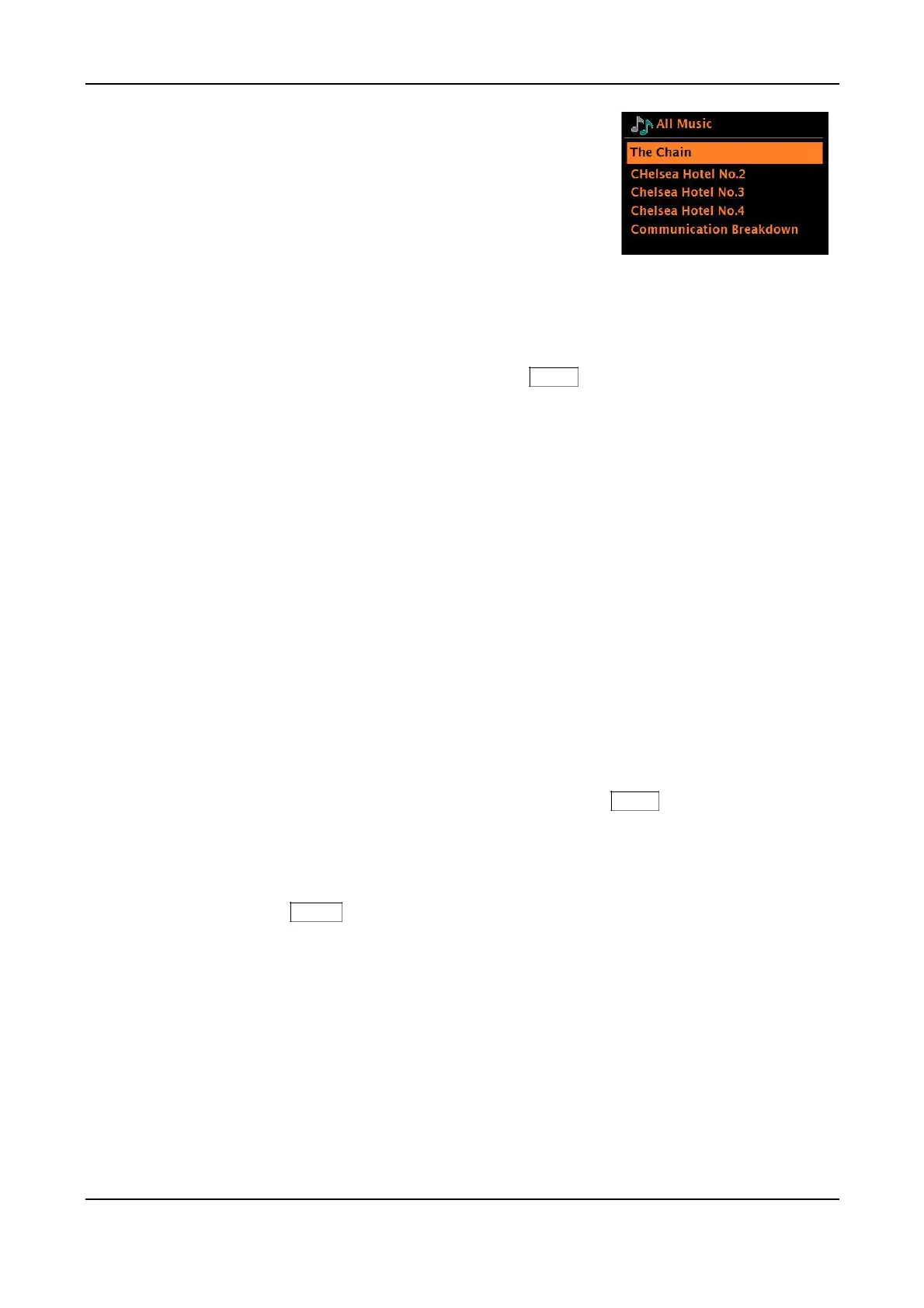
In the Music menu there are numerous options for selecting
tracks. Select one of the options to find the music you want
to listen to.
Once you have found a track you want to play, briefly press the Menu knob to select. A short press plays the
track immediately and a long press adds the track to ‘My playlist’. You can also add entire albums to ‘My
playlist’. The UPnP logo will show at the bottom of the display during track playback.
Playlists you have created on your shared media server can be accessed and played via
the Playlists option in the Shared media menu
Wake-on-LAN
When shared media is selected a list of available music servers is displayed.
If a question mark appears before the server name, this indicates that the server has been seen
before and supports Wake-on-LAN functionality, but cannot currently be found on the network.
If a server with a question mark is selected by the user, the device will try to wake the server up
and connect to it. In some instances, this may not be possible as the server may not be
connected to the network any more or may be switched off.
Prune servers
From time to time it may be necessary to remove servers displaying question marks in front of the
server name from the server list. For example, if the device is moved to a new network or if a
Wake-on-LAN server is removed from your current network.
To perform this function in Music Player mode, press and hold the Menu knob > Prune servers >
Yes
USB and music file playback
To play audio from a USB mass-storage device such as a USB Flash stick or USB hard drive
(not an external CD drive), press and hold the Menu knob > USB playback, or rotate the Source
knob until the My Music icon is shown, then press the Source knob in to select USB. The
maximum capacity is 128GB, max resolution is 16bit/48kHz, max directory items is 5,000 and
8 levels. FAT16 & 32 file systems are supported. “MP4” files are the same as AAC. Photos,
Album art, and videos are not supported. If your USB stick is used on a MAC computer be sure
to set the Format to “MS-DOS(FAT)” and the Scheme to “Master Boot Record”.
MAC users: Duplicate files with a “._” prefix won’t play, but scroll down further for files without the
prefix. MAC users could try “CleanMyDrive2” to delete duplicate files.
Note: The USB input doubles as a charger to charge most smart phones. Charging will occur regardless of the
source (unit does not need to be in USB mode) or if the unit is powered on or in standby. Apple devices are an
exception and usually will not charge in Music Player mode. Certain products may exceed the 5 Volt DC/1
Amp rating and should not be charged using this jack.
36



 To Next Page