System settings
All the setting parameters for our models are available in the “System settings” menu. Push and
hold the Menu knob > System settings. Options will vary by model.
System settings menu options:
a. Equalizer
b. Network
c. Time/Date
d. Language
e. Factory Reset
f. Software update
g. Setup Wizard
h. Info
i. Backlight
j. Listening mode
k. Multi-room
l. System reboot m. Streaming quality
a. Equalizer
To choose an EQ setting, press and hold the Menu knob
> System settings > Equalizer.
You can then choose from the preset EQs ( Flat, TV
Sound, or Enhanced EQ (Solo/Amico only)) and My EQ.
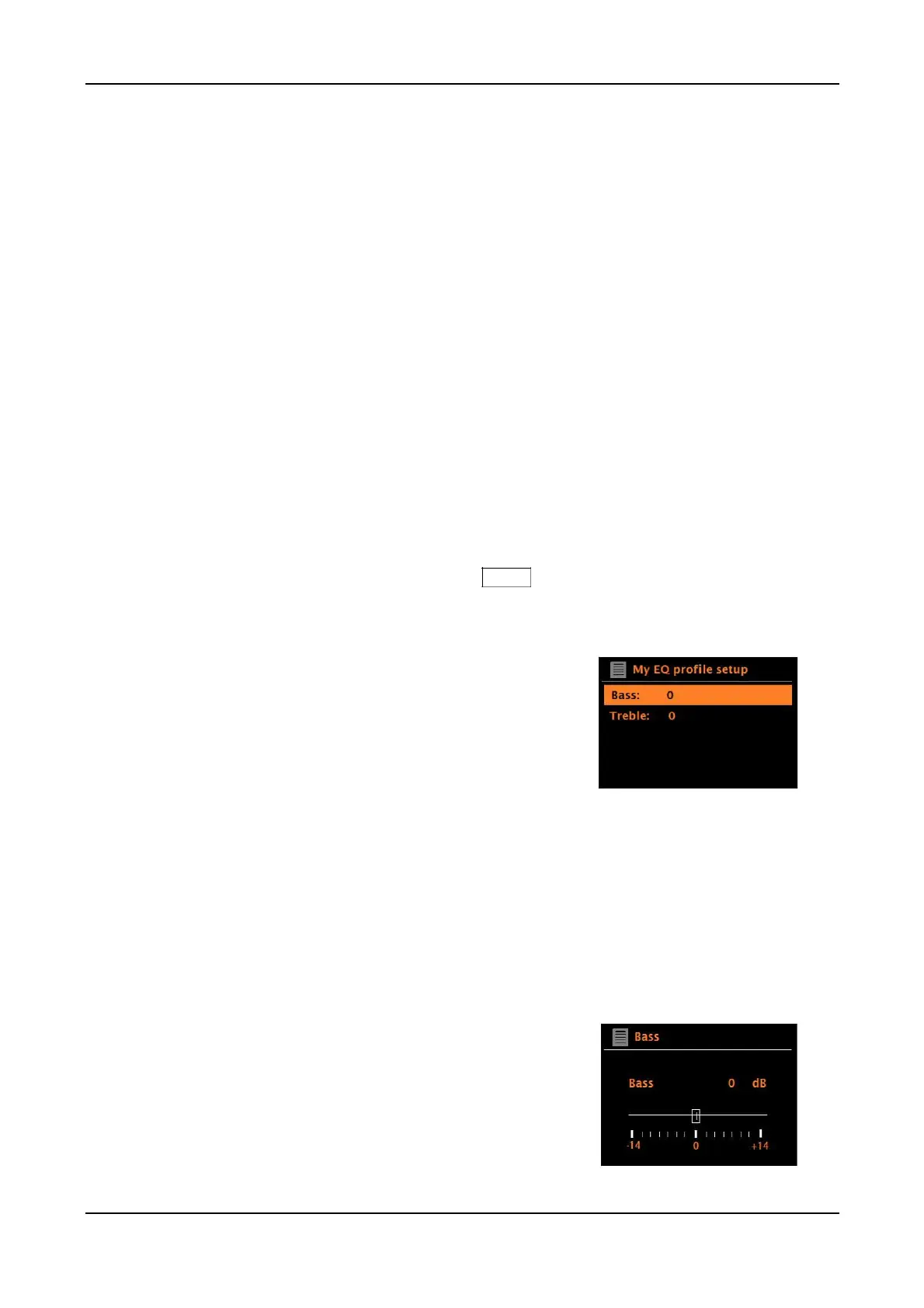
The last option, ‘My EQ profile setup’, allows you to define
your own settings for the ‘My EQ’ option, with custom
bass, treble, balance, and Loudness settings. When using
the remote control, use the Up/Down arrow keys not the
Left/Right arrow keys to adjust the settings. When done,
press the left arrow button on the remote to save changes.
To apply your custom settings, return to the EQ menu and
select “My EQ”. A tiny asterisk will indicate the selection.
Loudness boosts the low and high frequencies at low
volume to compensate for the low volume level. As the
volume level is increased, Loudness will turn off
automatically though the setting will still indicate “On” and
will turn back on automatically at low volume. Loudness
is designed to be subtle, not overwhelming.
“Flat” automatically sets Bass and Treble to zero
and turns Loudness off.
“TV Sound” partially emphasizes dialogue and may be
preferred when audio from a TV is connected.
“Balance” shifts the sound to the Left or Right channel.
If Flat or TV Sound is set and you wish to return to your
custom settings at any time, simply select “My EQ”.
“Enhanced EQ” (Solo/Amico only) extends the bass.
22



 To Next Page