Spotify Connect
Spotify Connect, allows units to act as wireless speakers
controlled by the Spotify App available for iOS, Android
smart devices, and a desktop client for PCs. To enter Spotify
Connect mode, either press and hold the Menu knob >
Note:
A paid Spotify Premium account is required to use Spotify Connect except with Musica.
Note:
Ensure your Como Audio unit has the ‘Keep Network Connected’ option turned On.
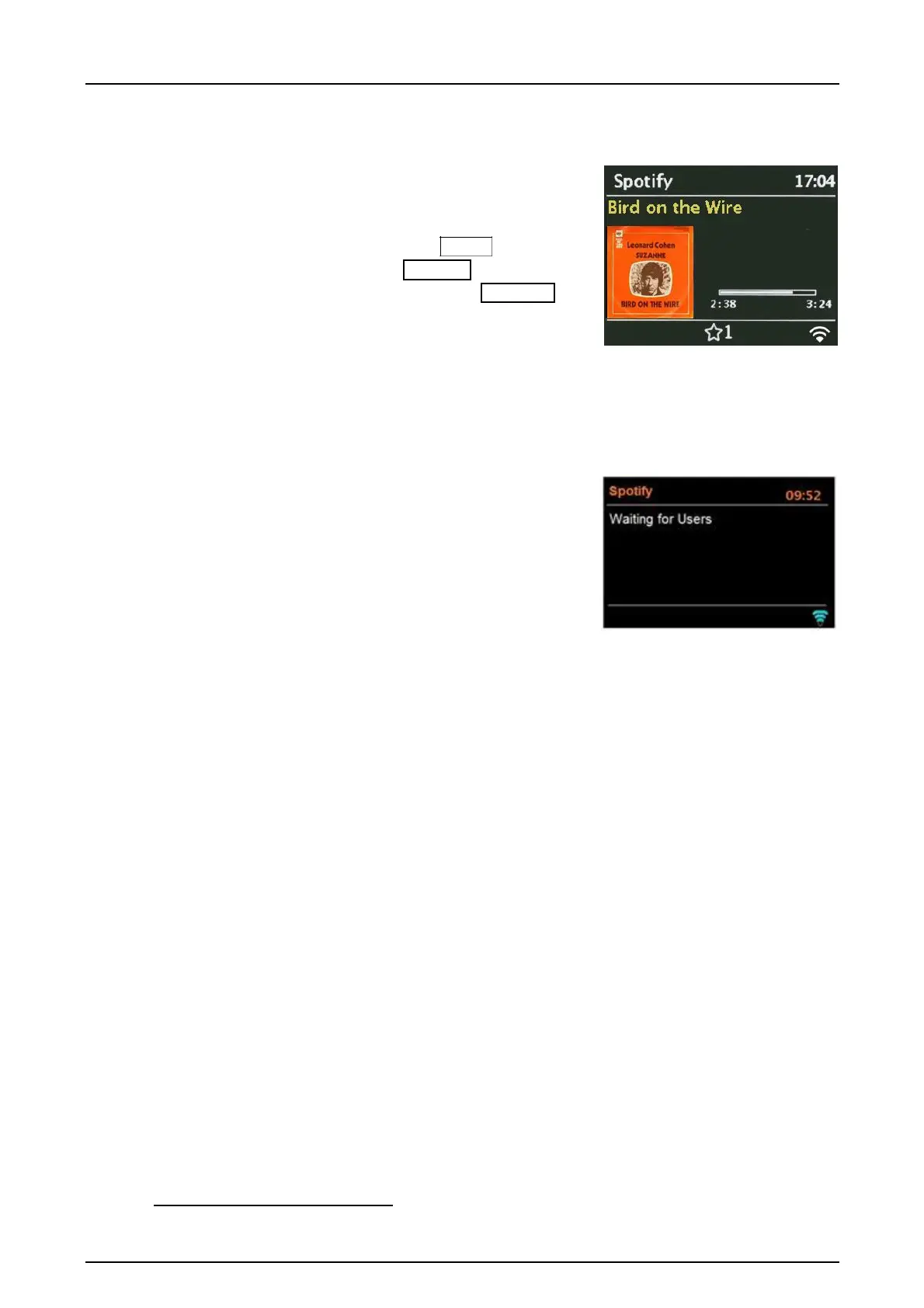
When Spotify Connect mode is selected, before a connection
with a Spotify App is established, the message ‘Waiting for
Users’ is displayed.
Note: It may take up to 10 seconds for Spotify album
artwork to be reproduced on the display.
How to use Spotify Connect
You’ll need Spotify Premium to use Connect –
see the Spotify insert sheet.
1. Connect your Como Audio model to your Wi-Fi network (see above instructions for details).
2. Fire up the Spotify App on your phone, tablet, or PC using the same Wi-Fi network as above.
3. Play a song on Spotify and press ‘DEVICES AVAILABLE’.
4. Choose ‘CA Solo’, ‘CA Duetto’, etc. and your music will start playing out loud. Note it may take a
moment for the unit to show in the “Devices Available” list.
Happy listening!
For more information on how to set up and use Spotify Connect please visit:
www.spotify.com/connect
To establish a connection between the Spotify App and a unit, the devices must be connected to the
same Wi-Fi network.
Note: Once a connection has been established, the Spotify account is linked to both the App and the unit.
To expand the displayed artwork, press the Menu knob in briefly. Press again to return to the standard
display.
Problems with Spotify Connect? Spotify can’t find a device? Perform a re-start on your smart
device and a reboot of your unit (System settings > System reboot).



 To Next Page