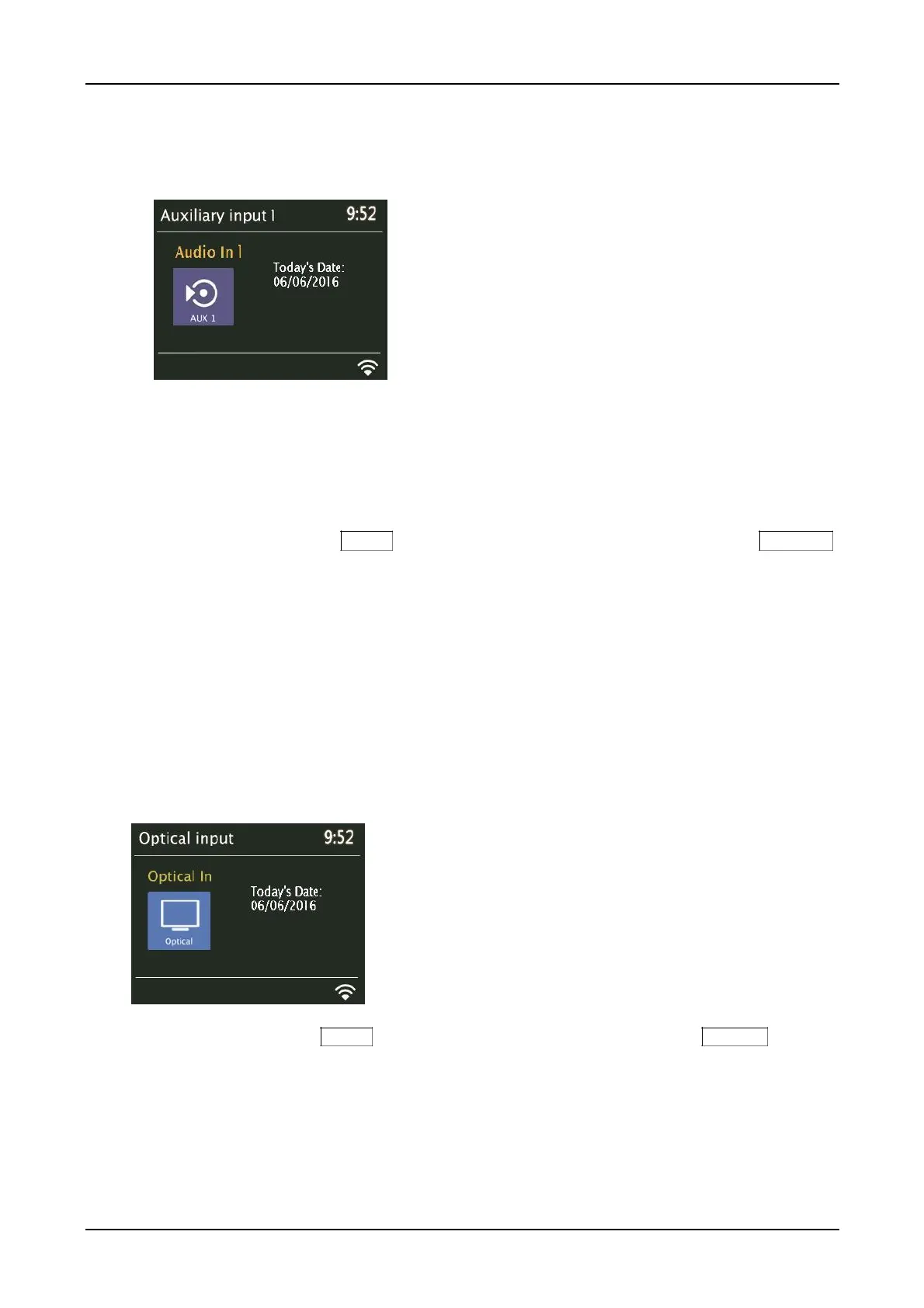
Aux 1 & 2 in modes
Aux in mode plays audio from an external source such as an MP3 or CD player via an audio cable.
To play audio in Aux in mode:
1. Turn the unit’s volume to a low level and, if adjustable, turn up the audio on source device.
Connect the external audio source to the Aux 1 or 2 input using a 3.5 mm stereo cable. Be sure the cable is fully
inserted into the input. An incomplete connection can result in only one channel, low or no sound.
Note: Inferior or lengthy audio cables might introduce hum or other noise into the audio path.
2. Either press and hold the Menu knob > Main menu > AUX 1 or 2 in, or rotate the Source knob to
scroll through the mode icons until AUX 1 or 2 in is highlighted and press the Source knob in to
select.
3. Adjust the volume (you may also need to increase your source device’s volume) as needed.
Presets: Aux and Optical in can be saved as Presets and can turn the unit on from standby.
Note: An MP3 player should be connected via an audio cable to the Aux input or via Bluetooth.
Optical in mode
Optical in mode plays audio from an external source having an optical output, such as a TV or CD
player.
Either press and hold the Menu knob > Main menu > Optical in, or rotate the Source knob to scroll
through the mode icons until Optical in is highlighted and press the Source knob in to select.
To use the unit as a TV speaker, change your TV’s PCM output to On (consult your TV’s user manual on
how to do this, but it is typically found in the TV’s “Settings” menu), and turn your TV speakers Off. Your
specific TV may require additional audio setting changes. When connecting an optical cable, be sure the
cable is oriented in the correct position and be sure the cable is fully seated into the input. If you get
intermittent or no sound, go into the Como Audio system’s menu and select “System reboot”.



 To Next Page