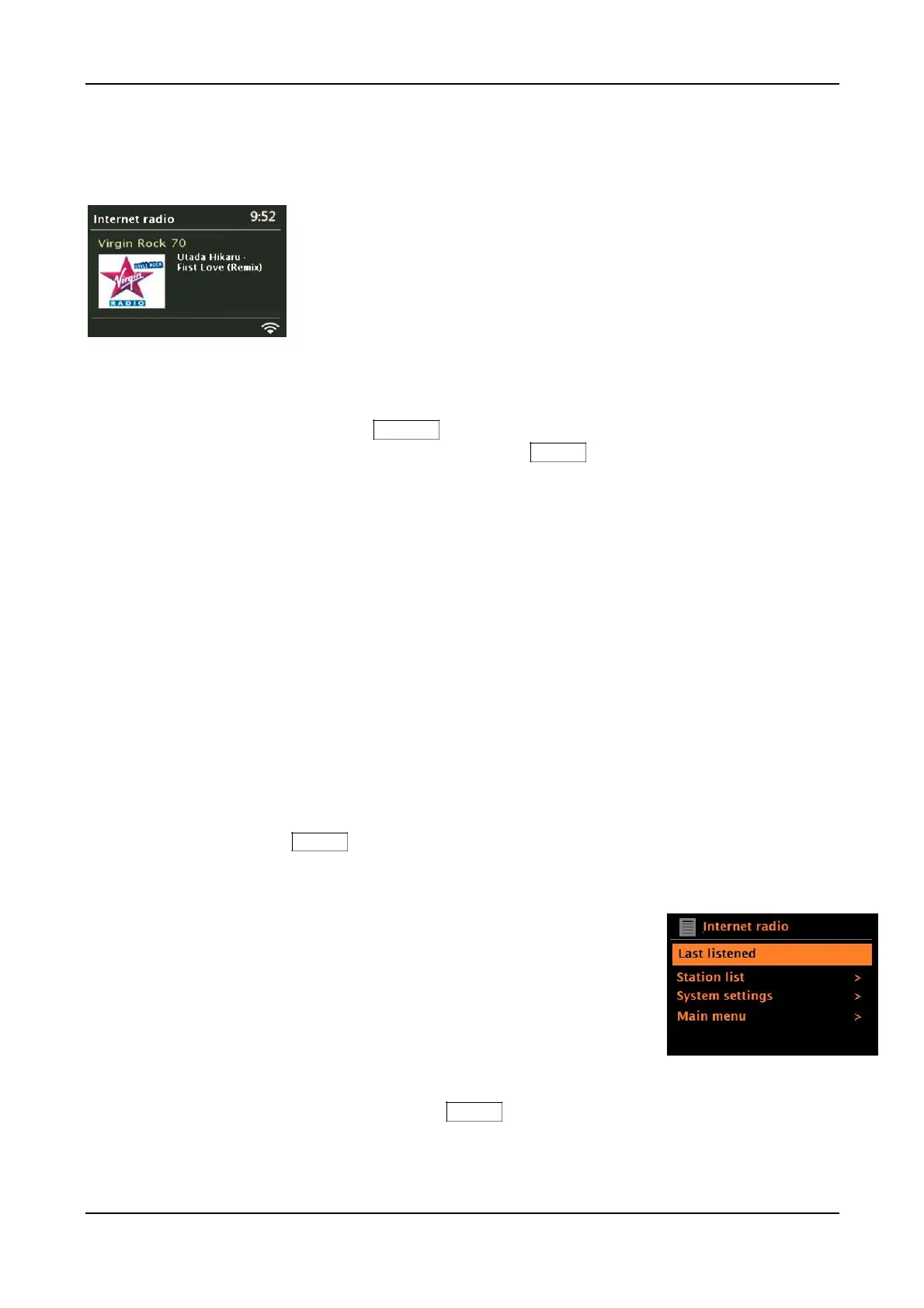
Internet radio mode
You can access tens of thousands of radio stations and podcasts from around the world through
a broadband Internet connection including stations that stream in the AAC codec as well as MP3.
When you select Internet radio mode, our Internet radio data base is contacted to get a list of stations,
organized into different categories such as Country, Popular, and Genre. Once you select a station, the
unit connects directly to that station.
To enter Internet Radio mode, rotate the Source knob until the Internet Radio icon is highlighted and
briefly press the Source knob in to select, or press and hold the Menu knob > Main menu > Internet
Radio.
The Preset buttons are empty, save a repeating voice message. To override the message, press and hold
a Preset button when tuned to station or source.
Note: You may notice an obvious volume level difference when tuning different Internet stations or switching
between Internet radio and other sources. Even music track levels from the same station can vary.
Note: Como Audio is not responsible for broadcast content.
Note: The station list menu is fetched from the Internet radio data base, so it, along with any Internet
stations saved to the Presets, are only accessible when the unit is connected to the Internet.
Station lists and submenus may change from time to time.
There are several ways of selecting Internet stations:
Stations:
Press and hold the Menu knob > Station list >:
• Location – Find a radio station based on its location in the world.
• Genre – Search for stations broadcasting the type of music you like.
• Search Stations – Search for a station name.
• Popular Stations – Lists the most popular tuned stations on
the Internet.
• New stations – Lists the latest Internet stations added to our data base.
Last listened:
Whenever Internet radio mode is selected, the last-listened station is tuned. To select another
recently tuned station, press and hold the Menu knob > Last listened, then rotate and briefly
push in the Menu knob to tune one of the stations listed. Most recent stations appear at the top of
the list. A total of 10 most recently tuned stations will be remembered.
28



 To Next Page