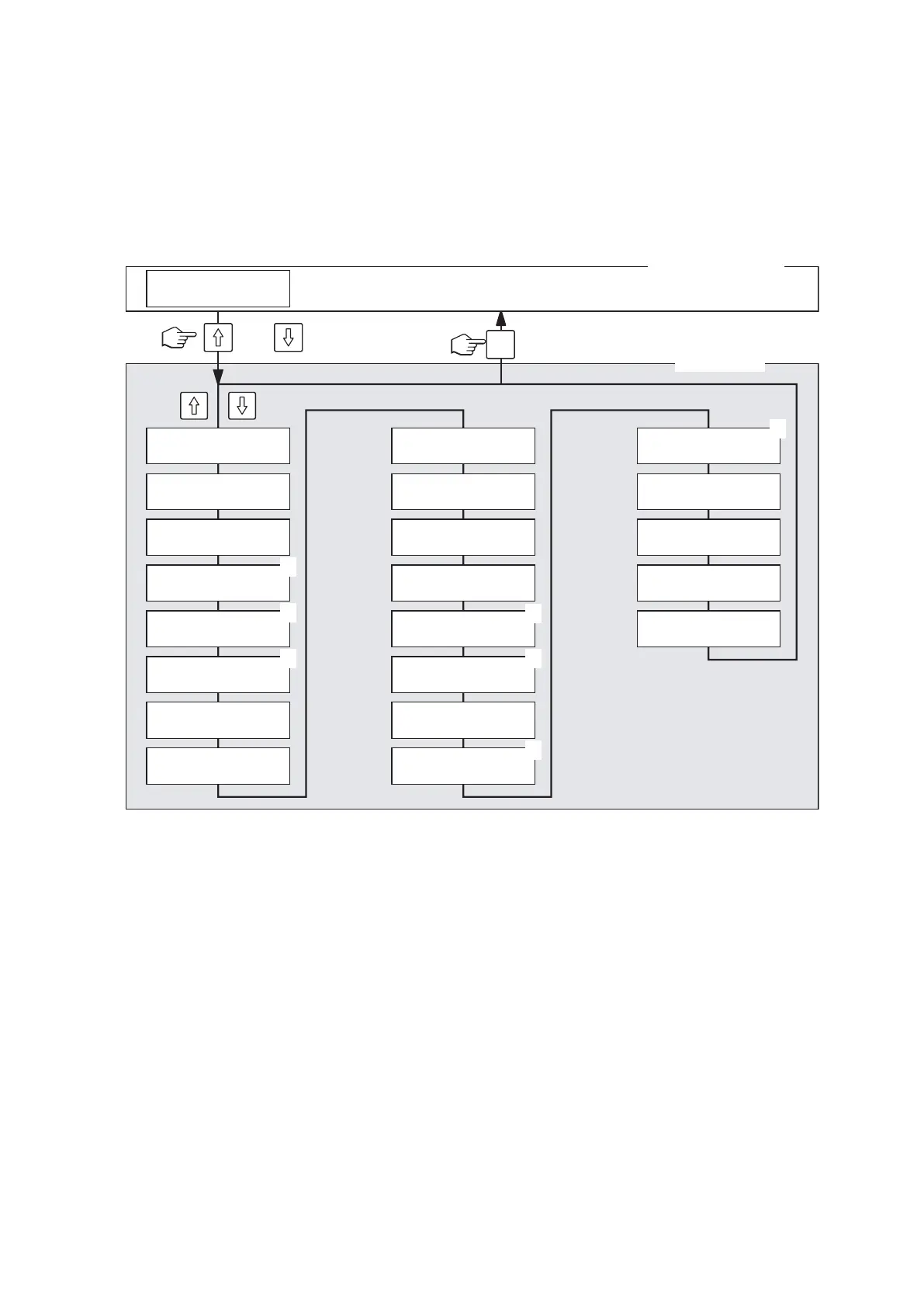
6.4 Interrogation of the operating status
TheCondairMk5operatinganddisplayunithasaso-called“displaylevel”fromwhichvariousoperat-
ing parameters can be interrogated.
Note: It is not possible to change the values on the display level.
Overview of the display level and operation
Operation: Call up the display level with <B> or <A>
<B> next operating parameter
<A> previous operating parameter
Exit the display level with <Menu>
Note: 1)appearsonlyif“controllerfunct”isactive(“on”)
2)appearsonlyif“softstart”isactive(“on”)
3)appearsonlyif“demineral.mode”isactive(“on”)
4) appears only on Mk5 Process units
Menu
Mk5 Visual
ready
steam-prod[kg/h]
ref.=50/act=25
analog input [%]
25
controller funct
on
ref.value rh[%]
45
P-band [%]
30
integr.time[min]
10
elapsed time
623
time to mainten.
600/1200
drain cycle
4: 120
stand-by heating
on
power limit [%]
100
softstart
on
softstart time
30 Min
softst. power
50 %
demineral. mode
on
demineral. delay
3
inlet valve cor.
100
Modbus address
01
analog signal
0 - 5V (poti)
software version
V 01.20
machine type
20kg/400V
1)
2)
4)
2)
1)
1)
3)
Normal service mode
Display level
or














 To Next Page