FSG/MTM/001 060511
61
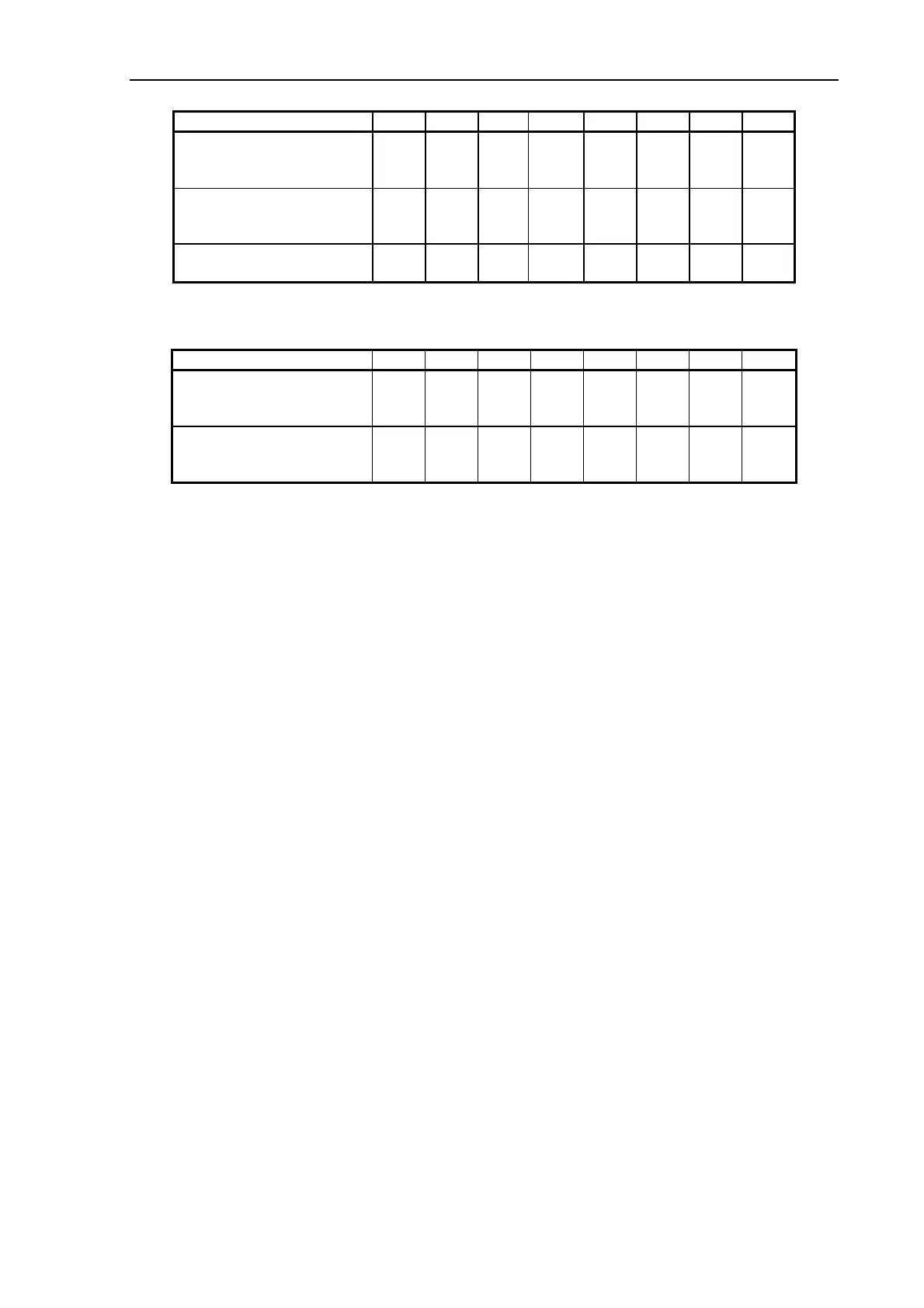
Switch No: 1 2 3 4 5 6 7 8
SCAN-SCSI Termination
Intern, active:
Extern:
ON
OFF
SCAN-SCSI Transfer mode
Asynchronous:
Synchronous:
ON
OFF
Not used
(Don’t care)
(
OFF)
Troubleshooting and Test Switches:
Switch No: 1 2 3 4 5 6 7 8
Boot start-up
Forced:
Normal:
ON
OFF
Factory testing
Self-test:
Normal:
ON
OFF
SW1-3: SCSI ID
SW4: Selects internal, active SCSI termination or external, passive SCSI termination,
normally set to ON.
SW5: If the SCSI communication fails try to run ‘Asynchronous’. This mode is
intended for debugging, and SW5 should normally be set to OFF.
SW6: Not used.
SW7: If download fails, try to set SW7 to ON. For normal operation SW7 must be set
to OFF.
SW8: Reserved for factory testing and must be set to OFF.
NB! The switches are read at power-on only, and the scanner must be switched OFF and
back ON for a changed switch setting to become effective.
3.11.5 Signal LED on the SCR-Board
The signal LED on the SCR-Board turns ON when the Smart Card is inserted. It only signals,
that a Smart Card has been inserted, it does not show whether the card is valid or not.



 To Next Page